Free AI Prompt Manager for Windows: Save, Search & Copy ChatGPT, Claude and Midjourney Prompts
Your best prompts are scattered across sticky notes, Notepad files, browser tabs and half-written docs. This free prompt manager for Windows fixes that in one click — a fast, offline desktop app that organizes an unlimited prompt library, fills {{variables}} for you, and copies the finished prompt to your clipboard instantly. Plus 100 premium AI prompts included.
The Prompt Graveyard Problem (Why You Keep Losing Your Best Prompts)
Be honest: how do you store prompts today? A Google Doc you forgot about, a Discord message you can't find, a Notes app with 400 unsearchable entries, or the ChatGPT history scroll of death? Every AI power user hits the same wall — you write one brilliant prompt, get a brilliant answer, close the tab, and never find that prompt again.
That's the prompt graveyard. And it's costing you hours every week, because prompt reuse is where the real leverage is. A good prompt is an asset. An organized prompt library is a compounding asset.
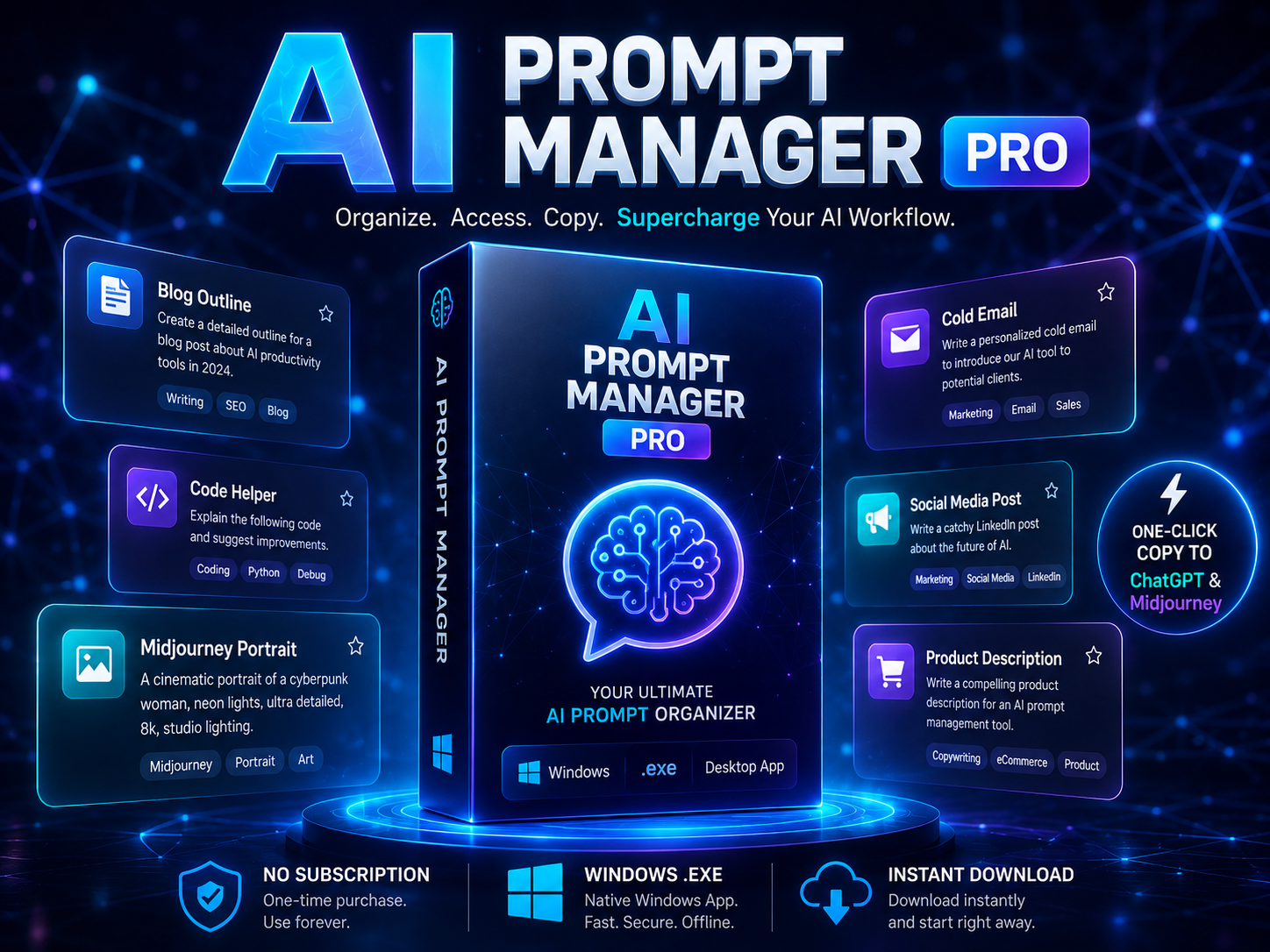
AI Prompt Manager Pro is a Windows desktop prompt manager built to stop the graveyard permanently: everything saved in one place, searchable in real time, tagged, starred, and one click away from your clipboard. No subscription. No cloud account. Your prompt library lives on your own PC.
What Is AI Prompt Manager Pro?
A standalone Windows 10/11 desktop app for managing a growing library of ChatGPT prompts, Claude prompts, Gemini prompts, Midjourney prompts and DALL-E prompts — any AI tool. It runs as a single portable .exe: download, extract, double-click, done. No Python, no installer, no internet connection required.
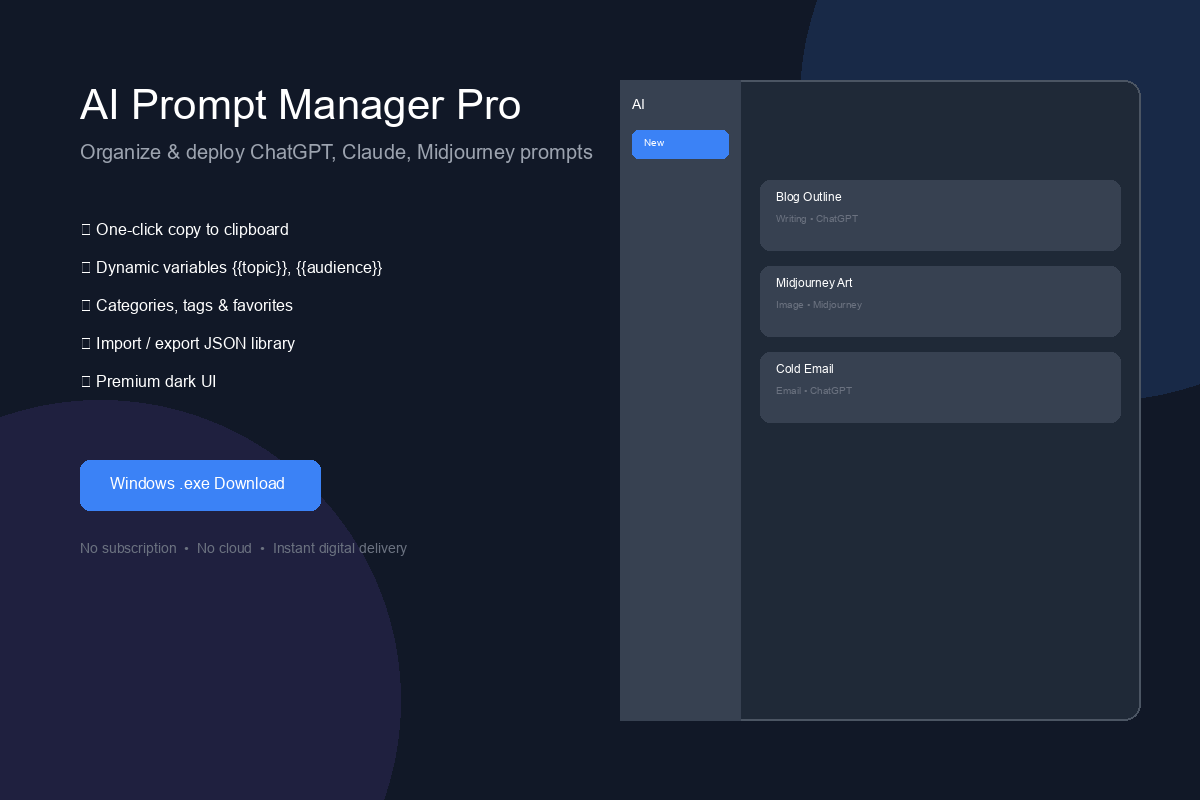
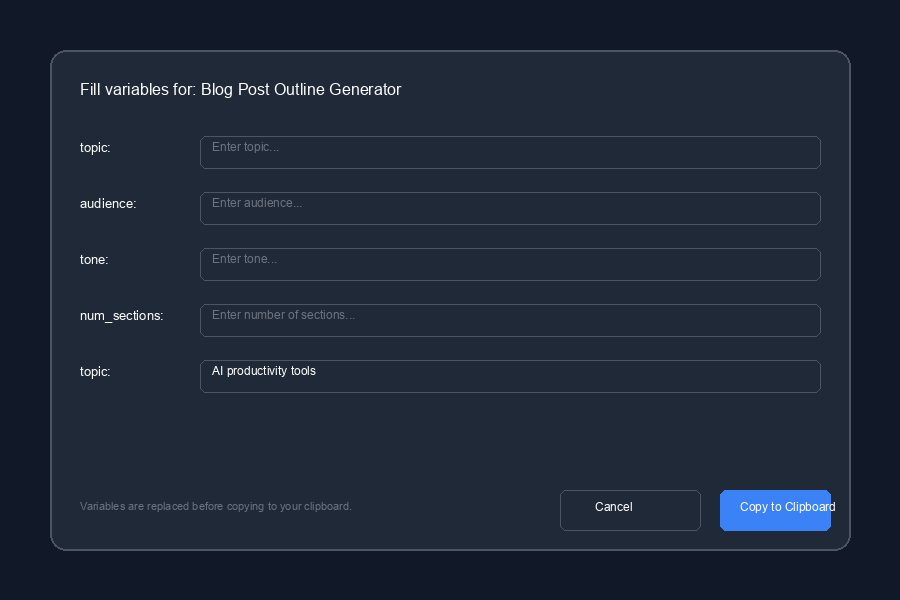
Every prompt gets a title, content, category, AI model and tags. The app gives you a clean card-based grid, instant filtering, favorites, usage counters, automatic backups, and a dynamic variable system that turns one template into hundreds of personalized prompts.
Feature-by-Feature: What This Prompt Organizer Actually Does
| Feature | Why it matters |
|---|---|
| Unlimited prompt library | Save as many prompts as you want with title, content, category, model and tags. |
| Real-time smart search | Type and filter instantly by title, prompt text or tags. No more scrolling. |
| Category + model filters | Writing, Marketing, Coding, Image Generation… or per model: ChatGPT, Claude, Gemini, Midjourney, DALL-E, Copilot, Perplexity, Llama. |
| Dynamic {{variables}} | Write one template with placeholders; the app asks you to fill them when copying. One prompt = infinite outputs. |
| One-click copy | Copy the finished prompt to your clipboard straight from the card or the editor. |
| Favorites + usage counter | Star your best prompts and see exactly how many times each one has been used. |
| Import / export JSON | Back up the whole library or merge prompt packs from other users — perfect for teams and prompt pack sellers. |
| Auto-backup | A timestamped backup is written on every save (last 20 kept). Your library survives anything. |
| Dark / light / system theme | Premium dark UI by default; switch anytime. |
| Keyboard shortcuts | Ctrl+N new, Ctrl+S save, Ctrl+F search, F5 refresh — power-user speed. |
Dynamic Variables: One Prompt Template, Infinite Outputs
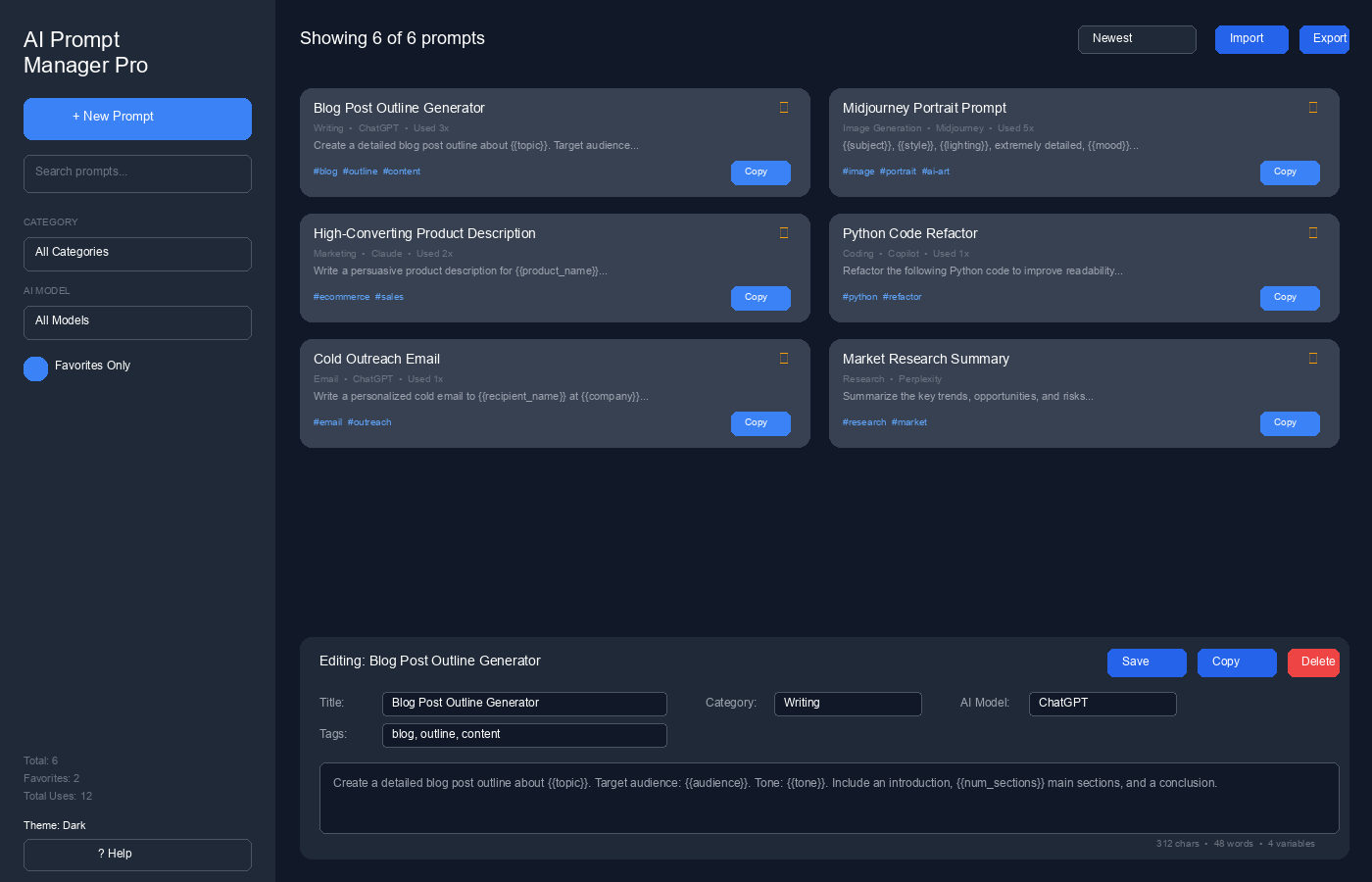
This is the feature that turns the app from a storage box into a productivity machine. Inside any prompt, wrap placeholders in double curly braces:
Click Copy and the app pops up a dialog asking you to fill each variable — then copies the finished, personalized prompt to your clipboard, ready to paste into ChatGPT, Claude or Gemini. One well-built template replaces dozens of saved prompts, and your library stays clean.
100 Premium AI Prompts Included in 10 Packs
The download bundle ships with the app plus 100 production-ready prompts across 10 themed packs, delivered as JSON files you import with one click (Import button → select file → merged instantly). Start with all_prompts.json for everything, or import just the niches you use.
| Pack (JSON file) | Prompts | Best for |
|---|---|---|
| writing_prompts.json | 10 | Blog posts, scripts, ebooks, editing |
| marketing_prompts.json | 10 | Ads, funnels, brand voice |
| etsy_prompts.json | 10 | Etsy listings, Amazon, Shopify, review replies |
| coding_prompts.json | 10 | Code review, APIs, tests, system design |
| image_generation_prompts.json | 10 | Midjourney, DALL-E, Stable Diffusion art prompts |
| business_prompts.json | 10 | Business plans, SWOT, pitch decks, KPIs |
| email_prompts.json | 10 | Cold outreach, newsletters, support replies |
| social_media_prompts.json | 10 | Instagram, LinkedIn, TikTok, content calendars |
| research_prompts.json | 10 | Industry reports, competitor analysis |
| productivity_prompts.json | 10 | Planning, habits, project breakdowns |
| all_prompts.json | 100 | Master bundle — import once, everything included |
Install in 3 Steps (Windows 10/11)
- Download the ZIP below and extract it to any folder.
- Double-click AI Prompt Manager Pro.exe — no installer, no Python, nothing else to install.
- Windows may show "Windows protected your PC" because the app is unsigned. Click More info → Run anyway. That's normal for independent desktop software.
Your prompt library is stored locally at %APPDATA%\AIPromptManagerPro\prompts.json with timestamped backups in the backups folder — so it's easy to copy or move your data anytime.
Who This Free Prompt Manager Is For
- Content creators & bloggers — keep article outlines, hooks and editing prompts ready to fire.
- Marketers & Etsy sellers — the bundled etsy/marketing packs cover listings, ads and product descriptions out of the box.
- Developers — coding prompts for refactoring, API design, tests and system design, organized per language and model. (Also relevant: our AI prompts guide for MQL4/MQL5 expert advisors.)
- AI artists — a dedicated Midjourney/DALL-E/Stable Diffusion prompt library with parameter templates.
- Prompt pack sellers — export any themed collection as JSON and sell it as a bonus. The app's export format is exactly built for that workflow.
FAQ
Is AI Prompt Manager Pro really free?
Yes. Download the bundle from this page at no cost — the app plus all 100 prompts. No trial, no watermark, no subscription.
Does it need Python or an installer?
No. It's a single portable .exe for 64-bit Windows 10/11. Extract and run.
Does my prompt data get uploaded anywhere?
No. Everything is stored locally on your PC at %APPDATA%\AIPromptManagerPro. The app works fully offline.
Which AI tools does it support?
Any — prompts are plain text. Built-in model filters cover ChatGPT, Claude, Gemini, Midjourney, DALL-E, Stable Diffusion, Copilot, Perplexity and Llama.
What are dynamic variables?
Placeholders like {{topic}} inside a prompt. When you hit Copy, a dialog asks you to fill each one, then copies the personalized result. One template, unlimited variations.
Can I transfer my prompts to another computer?
Yes — Export writes your whole library to a JSON file; Import merges it on any machine.
How do I import the 100 included prompts?
Click Import in the toolbar and select all_prompts.json (or any individual pack). They merge into your library instantly.
Windows says "protected your PC" — is it safe?
That SmartScreen warning appears for unsigned software. Click More info → Run anyway. The app makes no network calls.
Get Your Prompt Library Under Control
App + 100 premium prompts. Free. Offline. Windows 10/11.
Into AI trading? See our best free AI forex tools and the AI forex analysis guide.





