Build Your Own Historical Dataset — CSV, JSON or Parquet
Choose a market, timeframe and date range and preview the rows. Full CSV, JSON and Parquet downloads are paid. More than 600 symbol-timeframe combinations across forex, gold, indices, energy and crypto.
Build a Custom Dataset
Select a symbol and timeframe. The date fields update to the available range. Preview matching rows; full CSV, JSON and Parquet downloads are paid.
Choose a dataset to see its available range.
| Timestamp | Open | High | Low | Close | TickVolume | Spread |
|---|
CSV, JSON or Parquet — Which Should You Use?
CSV
Best for MT4/MT5, Excel, pandas and quick inspection. Supports any custom date range.
JSON
Best for JavaScript, web apps and APIs. Nested metadata and row objects. Supports custom dates.
Parquet
Best for Python, DuckDB, Polars and ML. Columnar, compressed and fast. Full-history format available in paid packages.
What You Can Build With This Data
- Backtests: export only the date range used by your strategy.
- Machine learning: combine with the indicator-labeled datasets and ML-ready datasets.
- Session studies: filter a date range, convert server time to UTC, and measure Asian, London and New York behaviour.
- Data quality checks: inspect gaps, duplicates and spread outliers before training.
- Custom dashboards: use JSON for browser apps and Parquet for Python services.
Custom Data Builder FAQ
Can I preview only a specific date range?
Yes. Choose a symbol, timeframe, start date and end date. The preview shows matching rows; full downloads are paid.
What formats are available?
CSV, JSON and Parquet are available in paid packages. The preview is for format checking only.
How many datasets are available?
The catalog contains more than 600 symbol-timeframe combinations across forex, gold, indices, energy and crypto.
Are the timestamps in broker server time?
Yes. Timestamps are broker server time. Convert to UTC or New York time before building session-based strategies.
Can I use the data for machine learning?
Yes. CSV and Parquet are ready for pandas, Polars, DuckDB, scikit-learn and PyTorch pipelines.
Related Data Tools
Choose the next useful step
Most visitors arrive with one question: build, test, price, or trust. These shortcuts keep the path practical.
Go deeper before you build, download or automate
Hand-picked engineering articles, indicator breakdowns and trading-system tools so visitors keep exploring instead of leaving after one page.
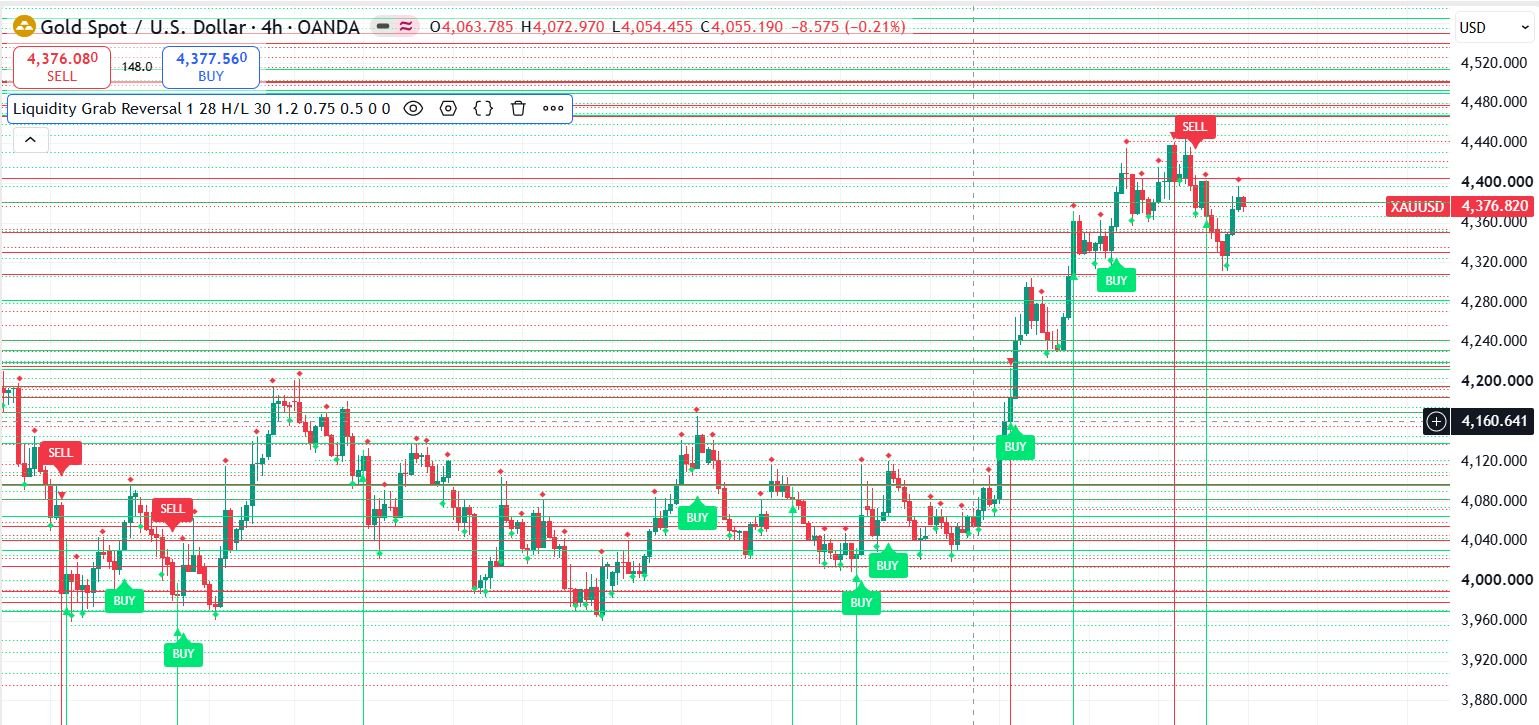
Pine Script to MT4/MT5 Conversion Planner
Analyze Pine strategies, repainting risk, TradingView alert bridges, MTF synchronization and the correct MQL4/MQL5 build path before paying for conversion.
Open planner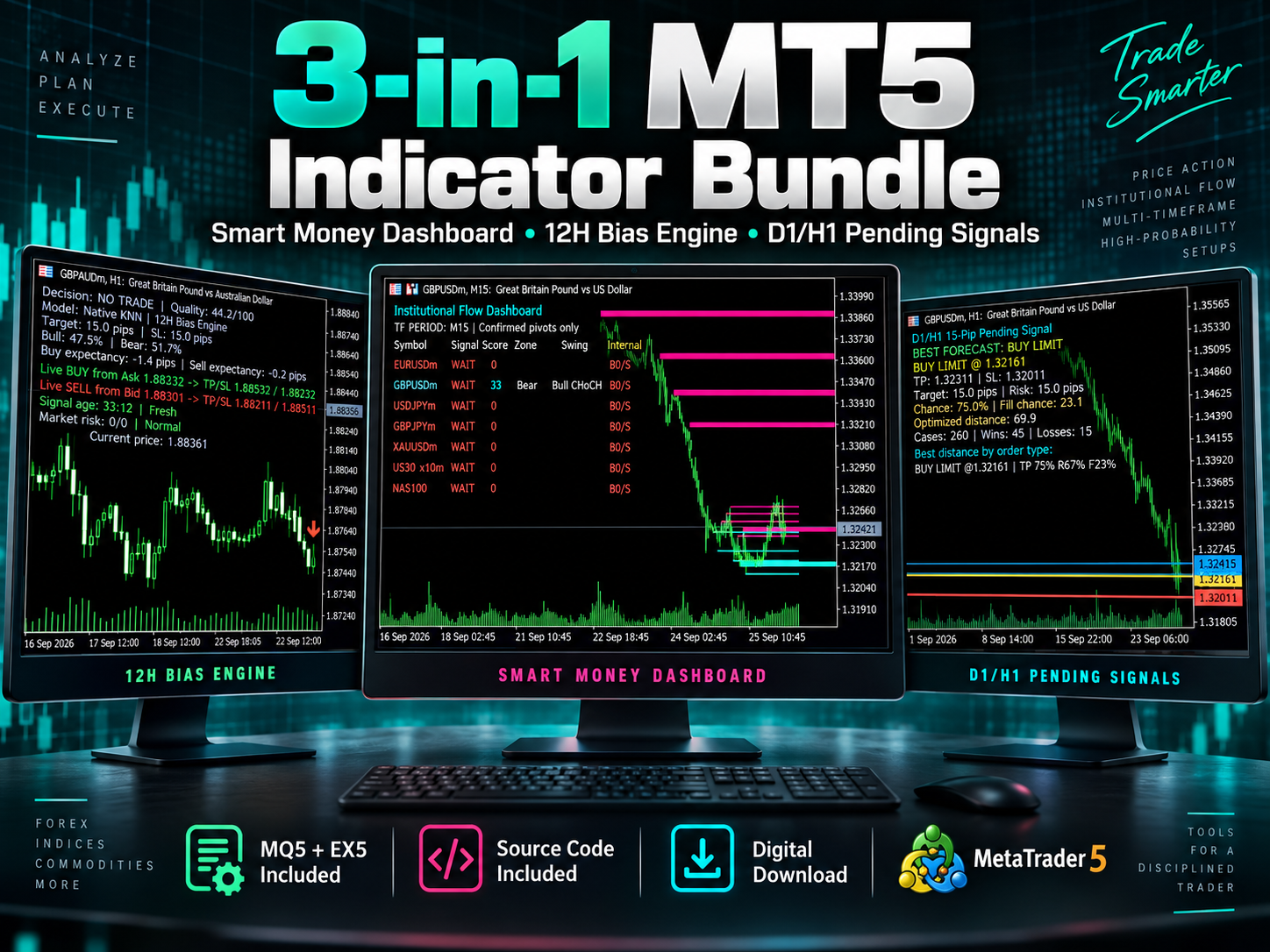
3-in-1 MT5 Indicator Bundle
12H Bias Engine, Smart Money Institutional Flow Dashboard and D1/H1 pending-signal logic with MQ5 + EX5 source included via Etsy.
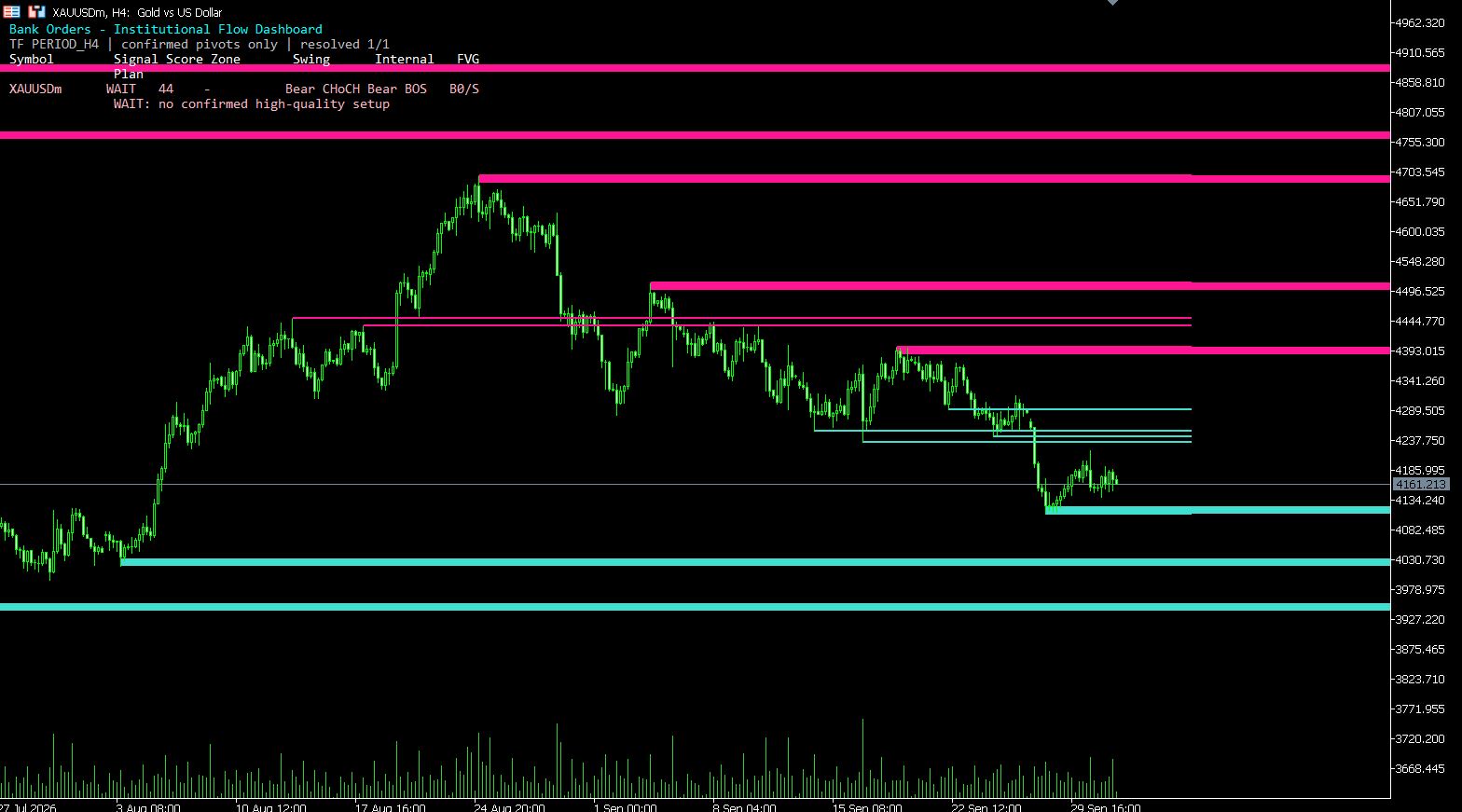
MT5 Bank Orders Institutional Flow Dashboard
Supply/demand zones, BOS/CHoCH, liquidity levels, FVG, equal highs/lows and confirmed trade-plan logic explained with EX5 download.
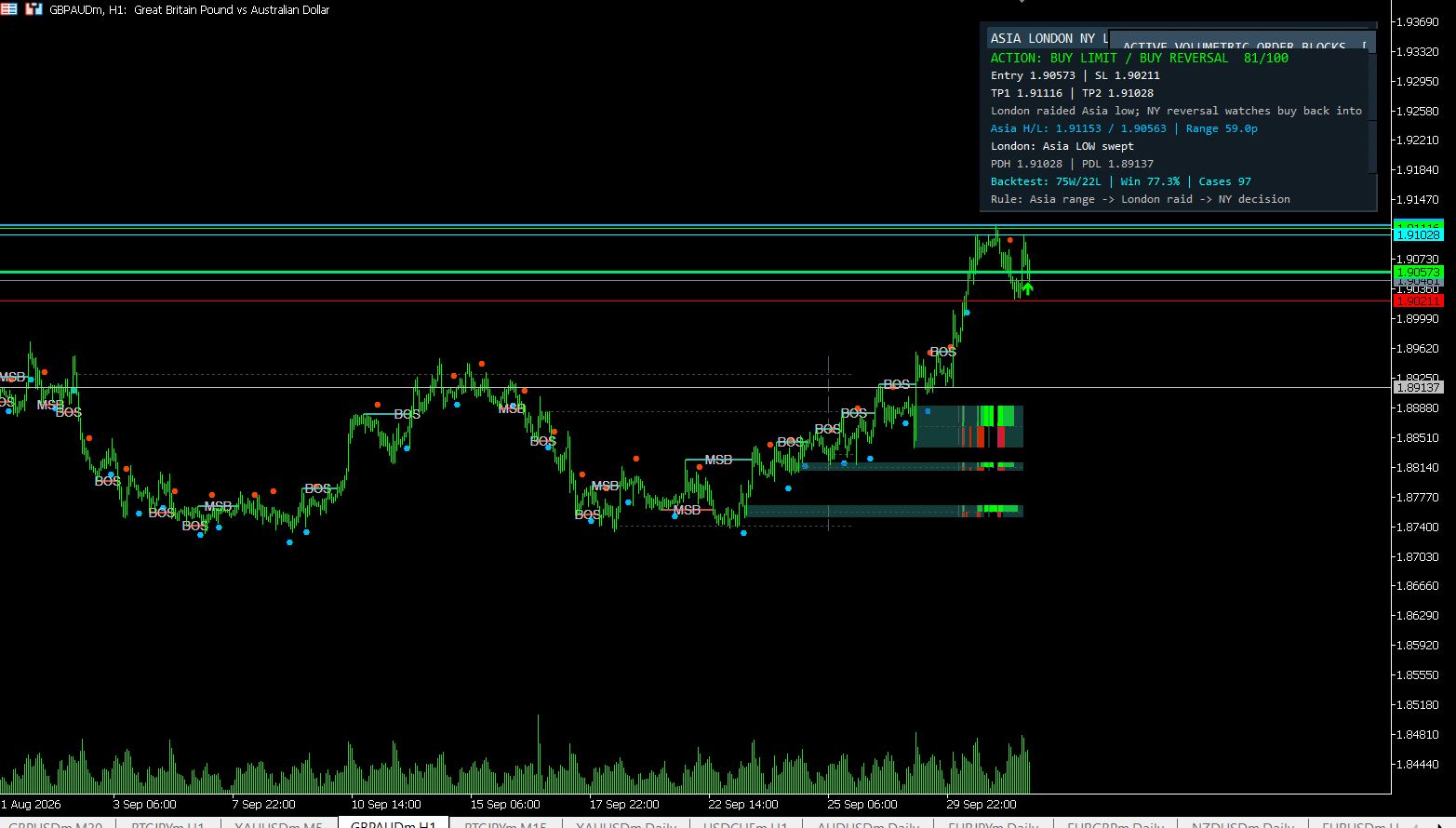
MT5 Asia London NY Liquidity Engine
Asia range, London raid and New York continuation/reversal planning with internal session backtest stats and entry/SL/TP dashboard.
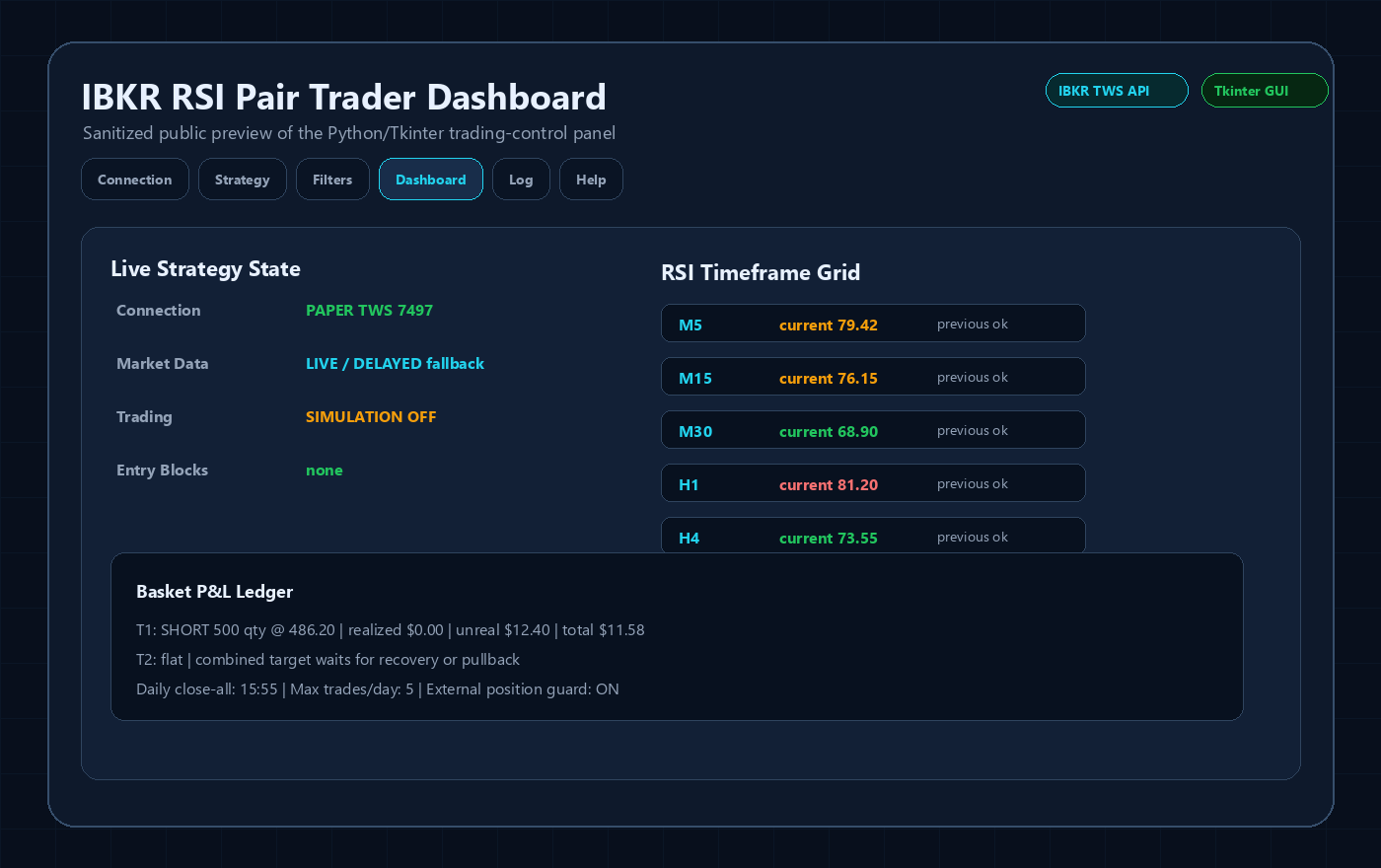
Interactive Brokers RSI Pair Trader
Tkinter desktop trading workflow, TWS API connection handling, RSI pair logic, risk controls and custom IBKR development positioning.
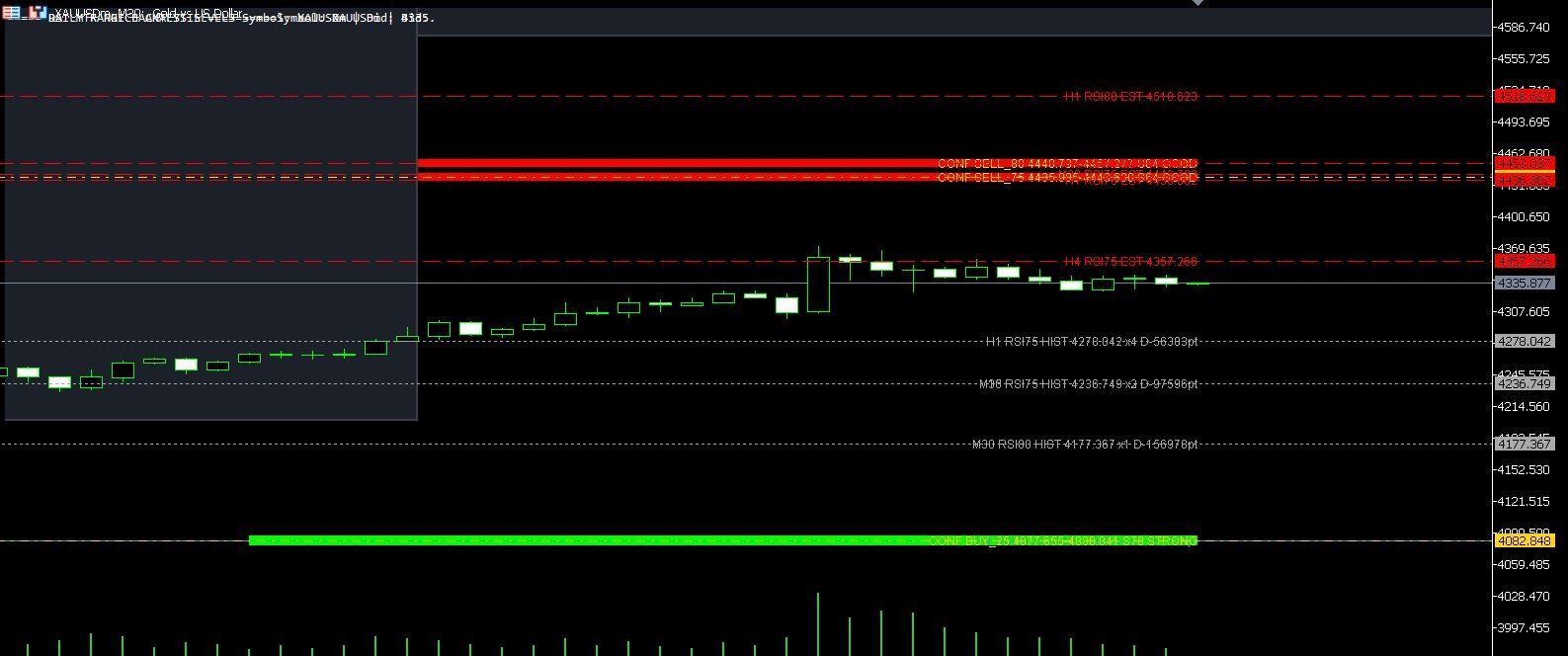
XAUUSD M30 CSV Data For Backtesting
Use clean MT5 historical data for Python backtests, strategy validation, spread checks and realistic gold EA research workflows.