How to Install BBFP Breakout Grid EA in MT5
Install the compiled EA, load the LOW_DD or HIGH_RISK preset and verify the trial expiry before attaching it to a live account.
Installation steps
BBFP_Breakout_Grid_EA_v1.01.ex5 in MQL5\Experts..set files in MQL5\Presets.XAUUSDm on the M15 timeframe.Which preset should be loaded first?
Load BBFP_LOW_DD.set first. It uses 0.25% initial risk, 0.75% maximum basket risk, two total grid positions and S1 only. Run it on demo and compare the trade list with the tester. Switch to HIGH_RISK only after you understand the additional exposure.
If your broker uses a different symbol suffix, update the symbol in the tester INI. The EA itself reads the chart symbol, so no suffix setting is required.
Checklist before live use
- Use a hedging account so grid positions remain separate.
- Confirm the EA says v1.01 and the trial expiry is before 15 December 2026.
- Check
InpMaxSpreadPipsagainst your broker's live gold spread. - Confirm lot size is above the broker minimum and below the maximum.
- Run the Strategy Tester with your broker's costs.
- Forward test on demo for at least several weeks.
- Do not increase grid risk to recover a losing basket.
Troubleshooting
| Problem | Cause | Fix |
|---|---|---|
| EA not visible in Navigator | EX5 in wrong folder or MT5 not refreshed | Copy to MQL5\Experts and refresh Navigator. |
| Inputs are greyed out | EA is already running | Remove the EA or open its properties. |
| No trades | Session, spread, box or pivot filters | Check the panel and test with a longer date range. |
| INIT_FAILED after 15 Dec 2026 | Hardcoded trial expiry | Obtain the $300 lifetime build or $800 source licence. |
| Grid positions merged | Netting account | Use a hedging account for separate grid positions. |
Choose the next useful step
Most visitors arrive with one question: build, test, price, or trust. These shortcuts keep the path practical.
Go deeper before you build, download or automate
Hand-picked engineering articles, indicator breakdowns and trading-system tools so visitors keep exploring instead of leaving after one page.
Pine Script to MT4/MT5 Conversion Planner
Analyze Pine strategies, repainting risk, TradingView alert bridges, MTF synchronization and the correct MQL4/MQL5 build path before paying for conversion.
Open planner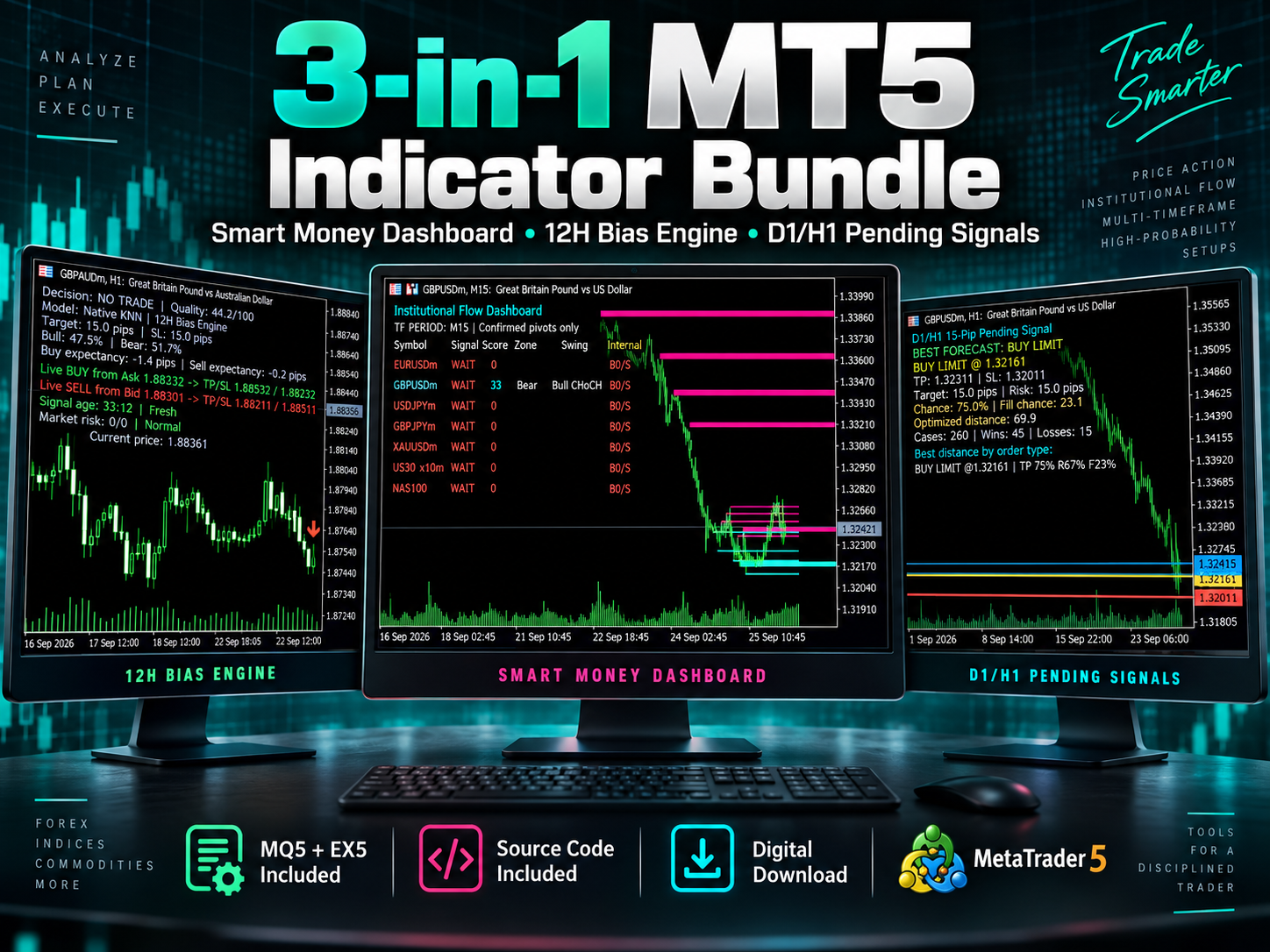
3-in-1 MT5 Indicator Bundle
12H Bias Engine, Smart Money Institutional Flow Dashboard and D1/H1 pending-signal logic with MQ5 + EX5 source included via Etsy.
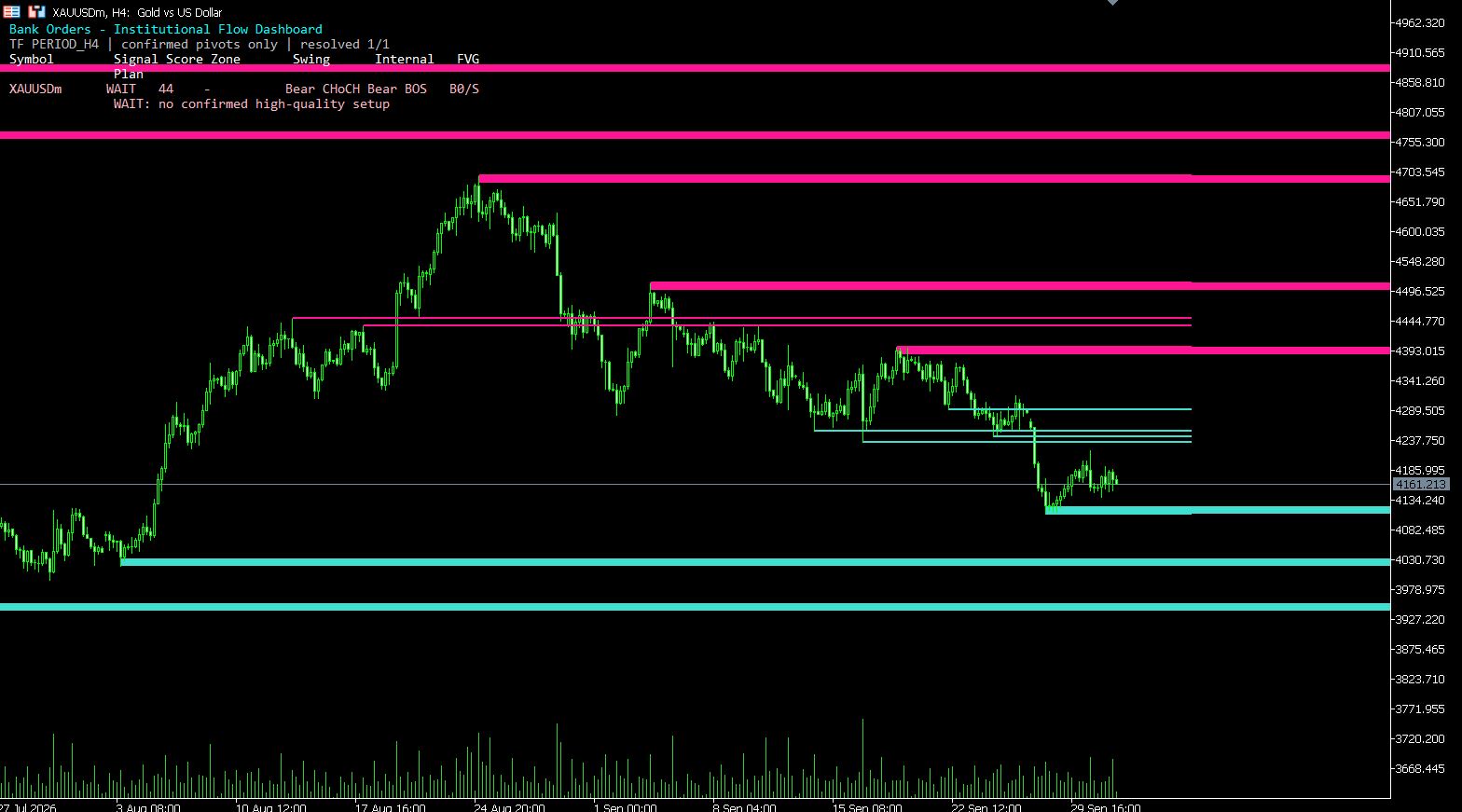
MT5 Bank Orders Institutional Flow Dashboard
Supply/demand zones, BOS/CHoCH, liquidity levels, FVG, equal highs/lows and confirmed trade-plan logic explained with EX5 download.
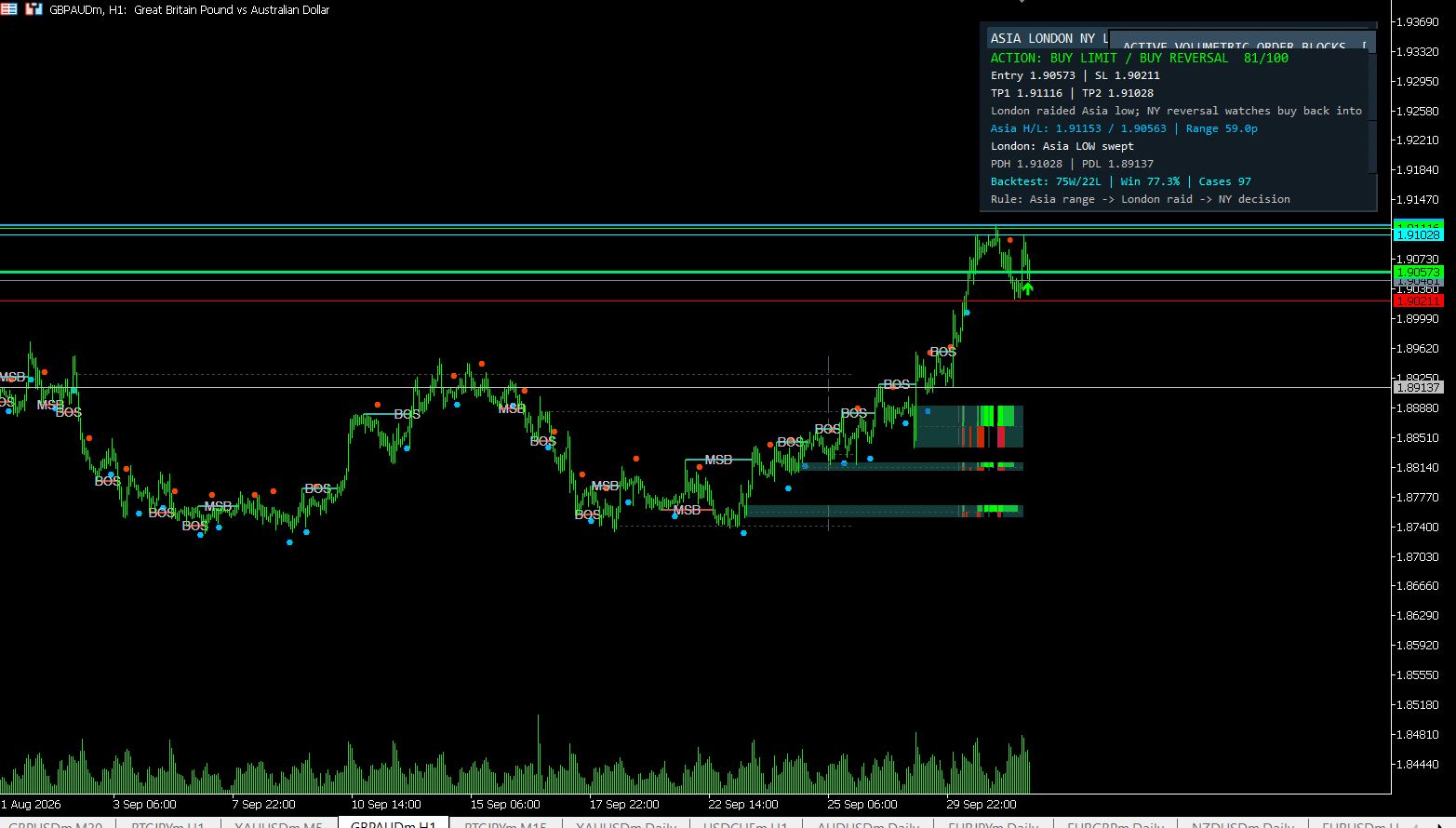
MT5 Asia London NY Liquidity Engine
Asia range, London raid and New York continuation/reversal planning with internal session backtest stats and entry/SL/TP dashboard.
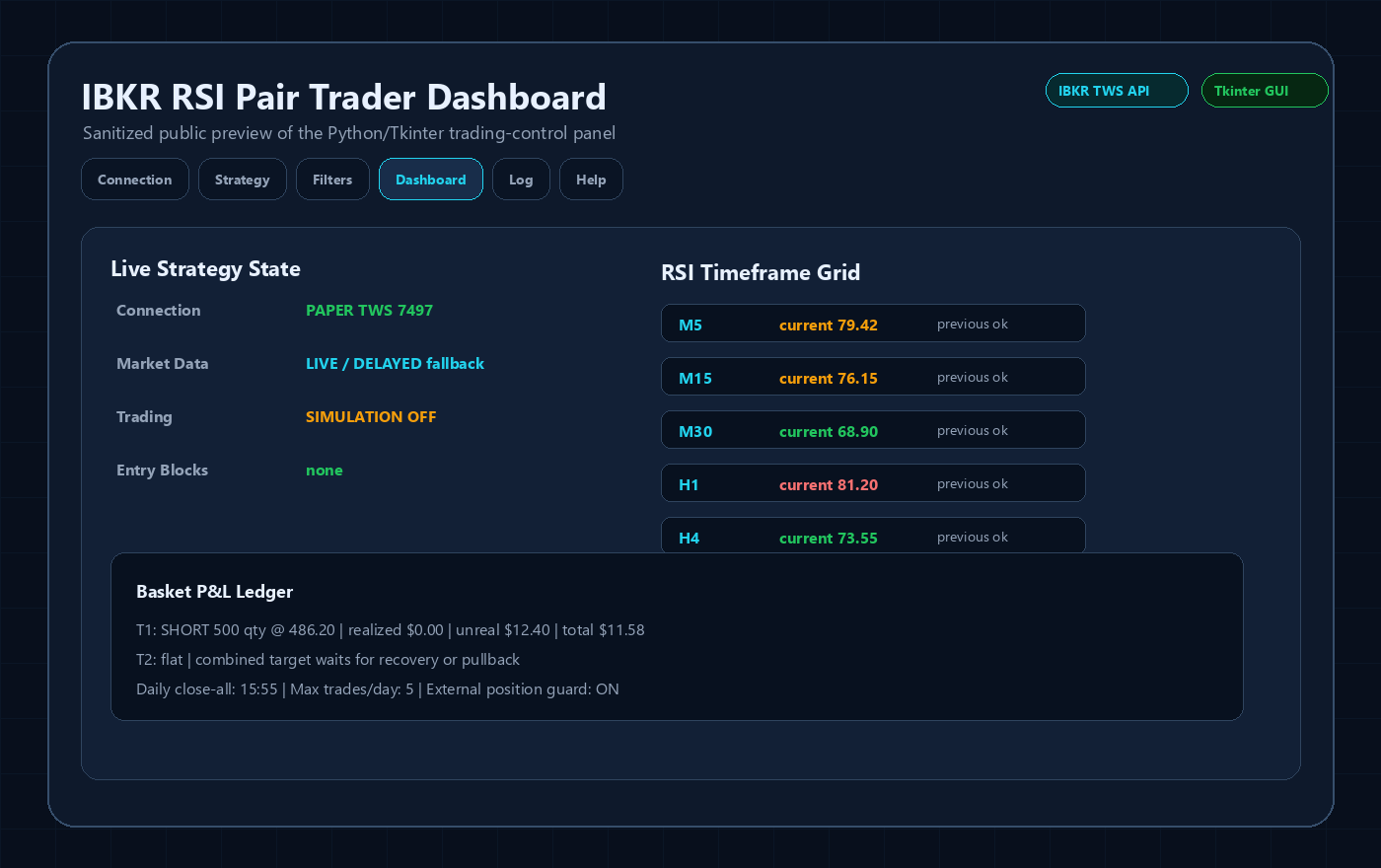
Interactive Brokers RSI Pair Trader
Tkinter desktop trading workflow, TWS API connection handling, RSI pair logic, risk controls and custom IBKR development positioning.
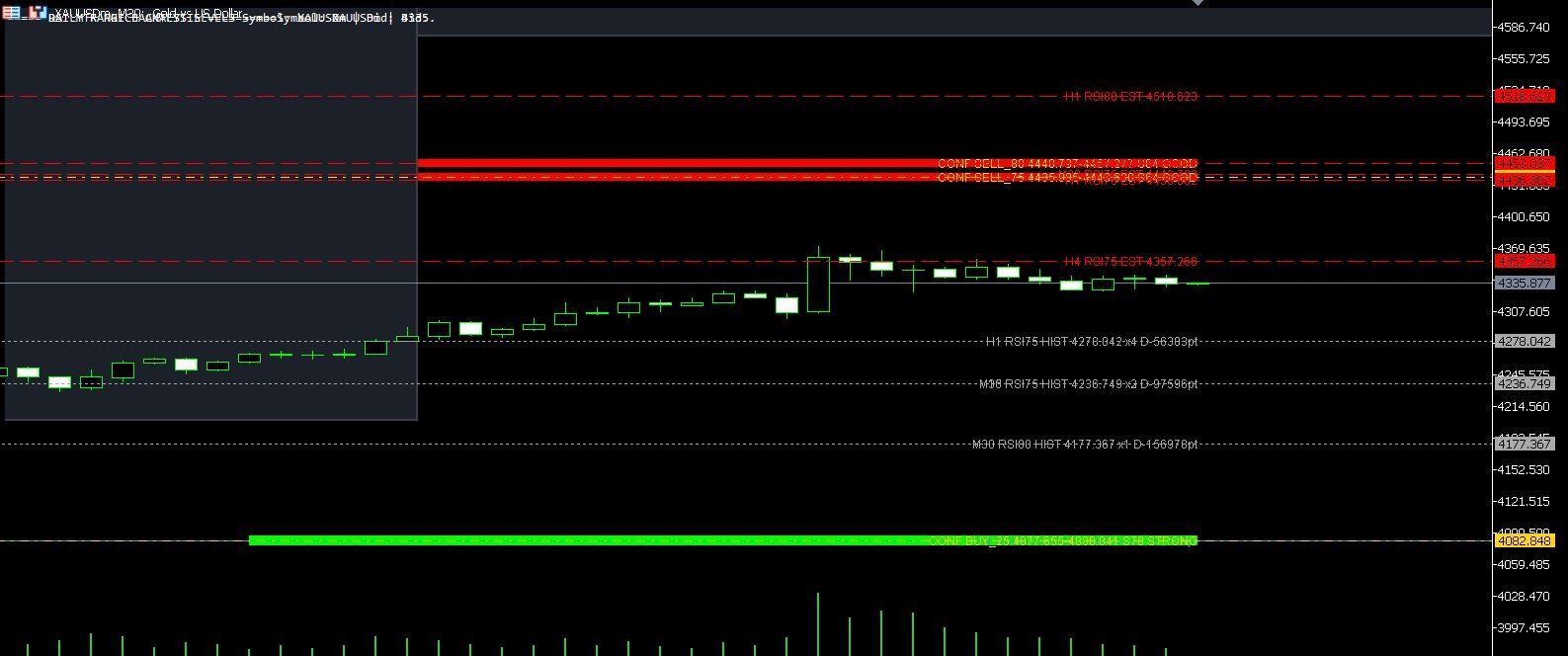
XAUUSD M30 CSV Data For Backtesting
Use clean MT5 historical data for Python backtests, strategy validation, spread checks and realistic gold EA research workflows.