Order Block Filter Calculator
Order-block filters decide which candle range is stored as a block. This calculator applies an ATR filter or a cumulative mean range filter, flags high-volatility bars and shows the resulting filtered high and low.
Try the tool
Runs locally in your browser. No uploads, no API keys.How to use it
- Paste OHLC data with time, open, high, low and close.
- Choose ATR or cumulative mean range.
- Run the filter.
- Inspect which bars are treated as high volatility and how their stored high/low changes.
Order Block Filter Calculator FAQ
Why filter an order block?
A volatility filter changes how the candle range is interpreted, which affects the stored block boundaries.
What ATR period should I use?
Use the period that matches your tested setup; 14 and 200 are common choices for different timeframes.
Is this a trading signal?
No. It is a descriptive calculation tool.
Related SMC tools
These tools are educational calculators. They do not provide trading signals, execute orders or guarantee results. Validate any output independently.
Turn the calculation into an EA
If the tool exposed a profitable or risky condition, convert it into a coded rule with testing and guardrails.
Go deeper before you build, download or automate
Hand-picked engineering articles, indicator breakdowns and trading-system tools so visitors keep exploring instead of leaving after one page.
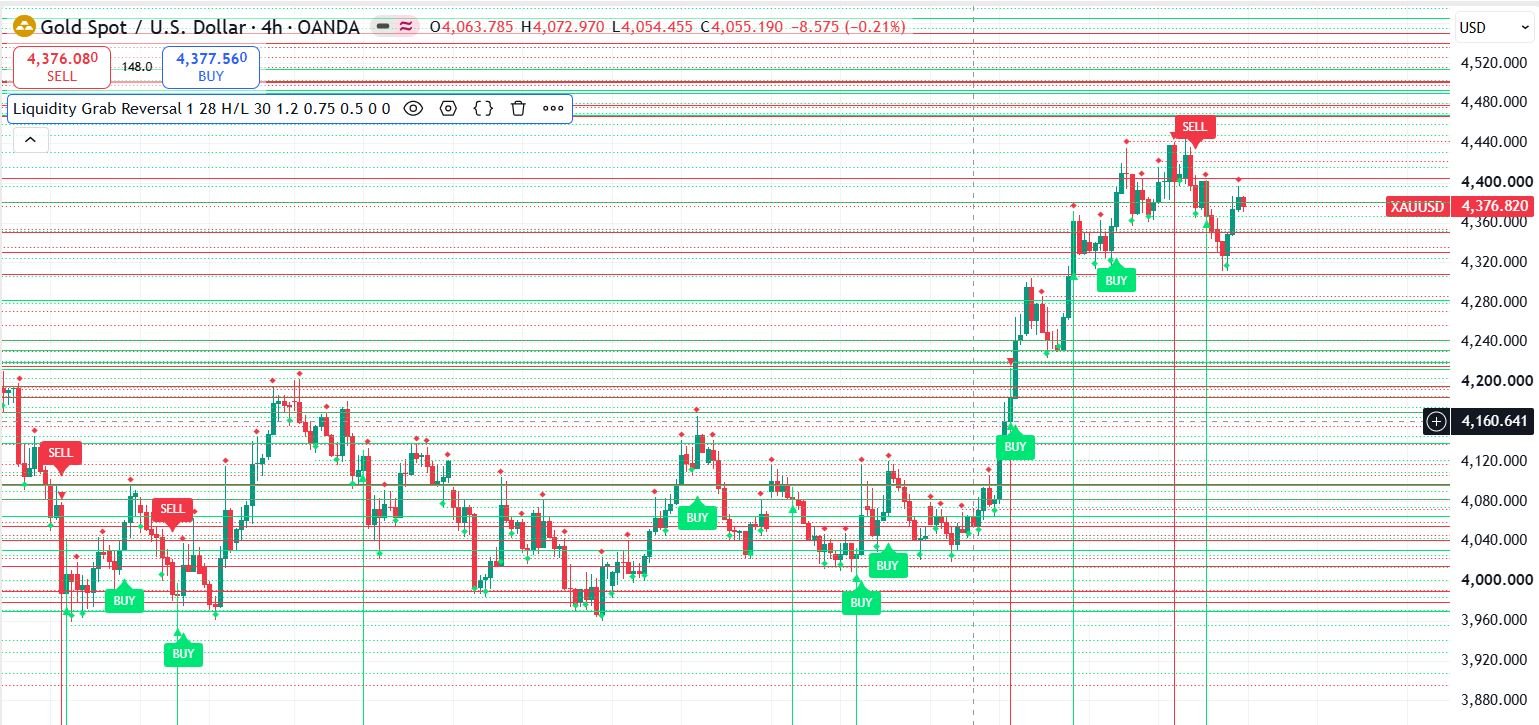
Pine Script to MT4/MT5 Conversion Planner
Analyze Pine strategies, repainting risk, TradingView alert bridges, MTF synchronization and the correct MQL4/MQL5 build path before paying for conversion.
Open planner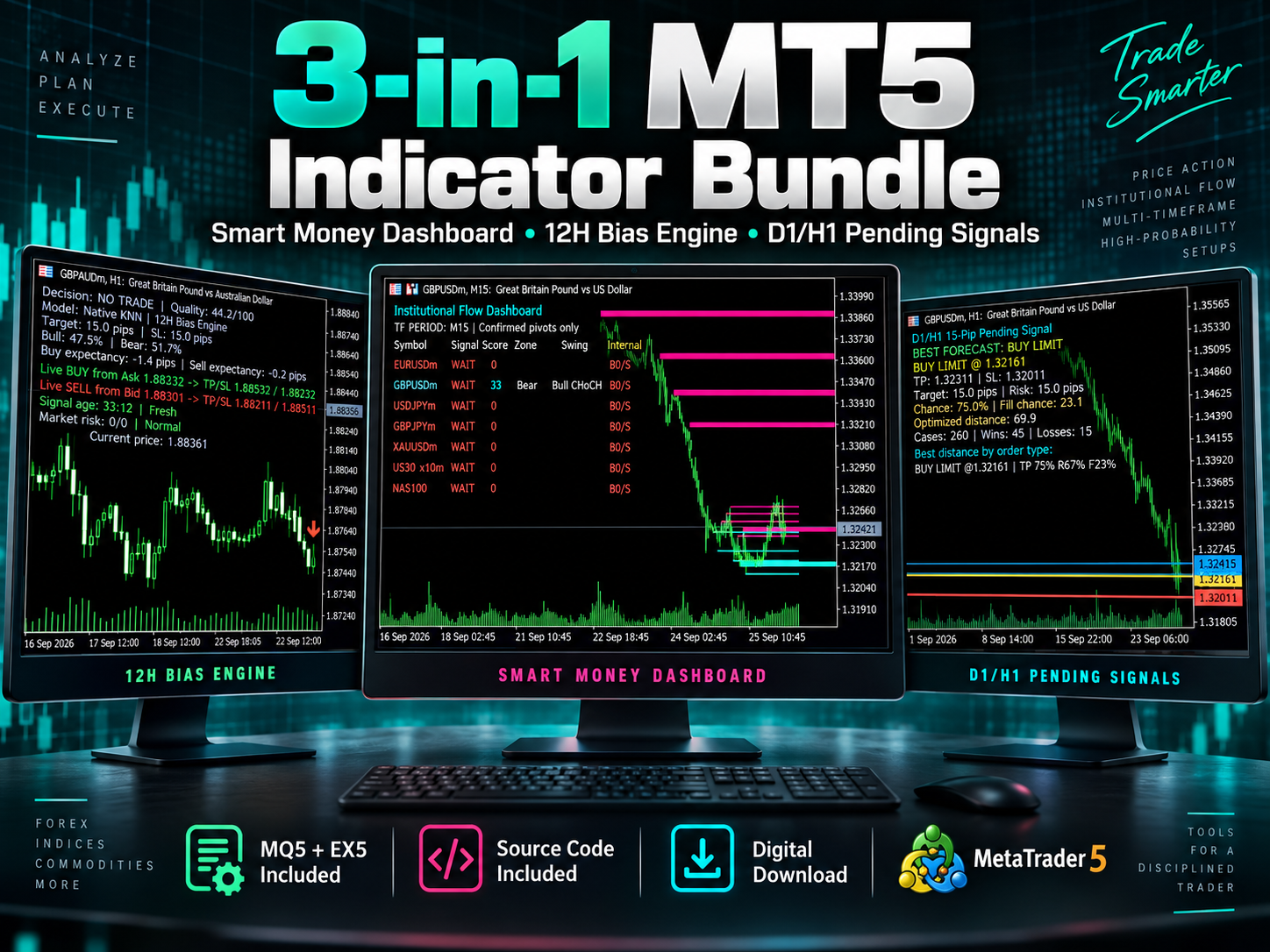
3-in-1 MT5 Indicator Bundle
12H Bias Engine, Smart Money Institutional Flow Dashboard and D1/H1 pending-signal logic with MQ5 + EX5 source included via Etsy.
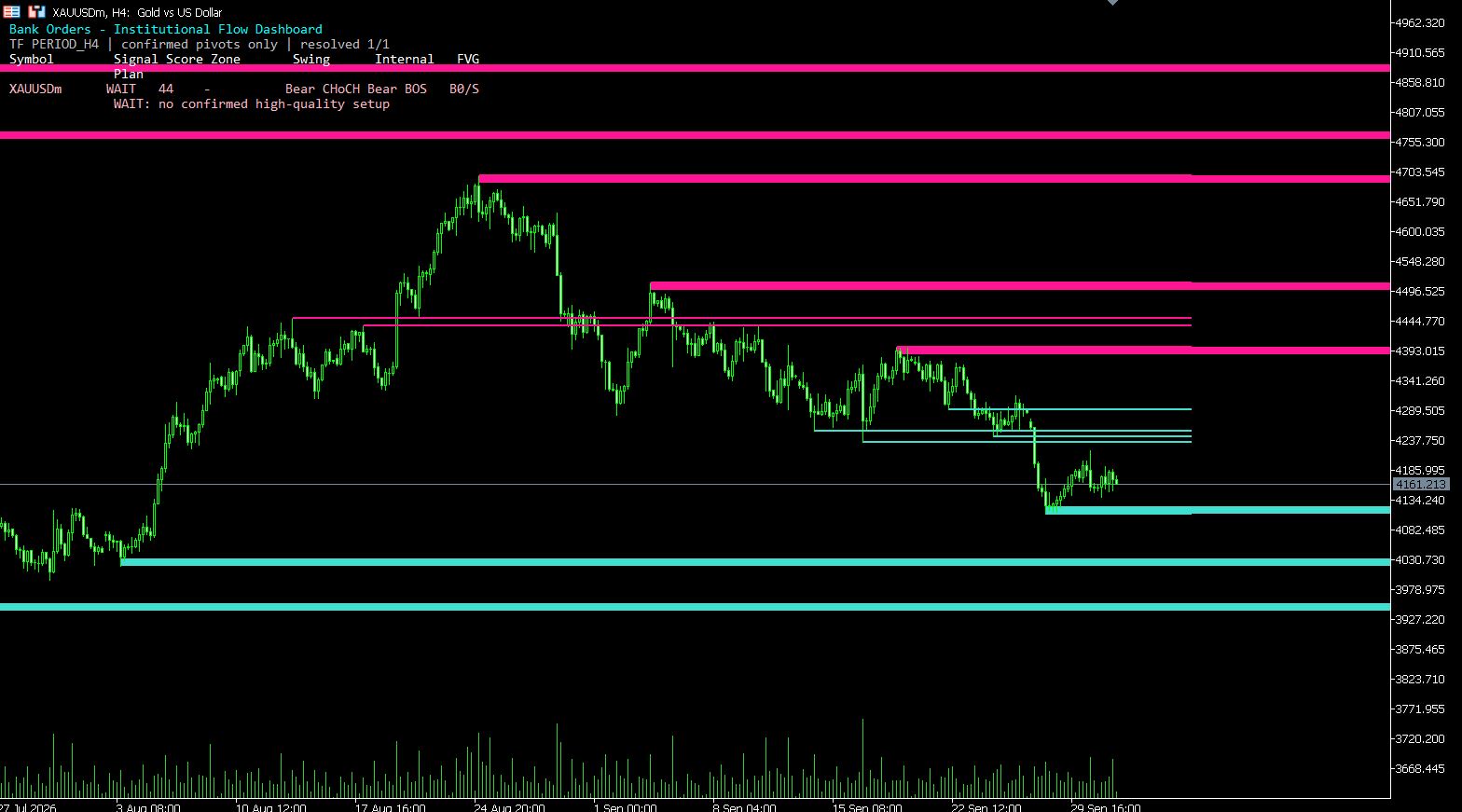
MT5 Bank Orders Institutional Flow Dashboard
Supply/demand zones, BOS/CHoCH, liquidity levels, FVG, equal highs/lows and confirmed trade-plan logic explained with EX5 download.
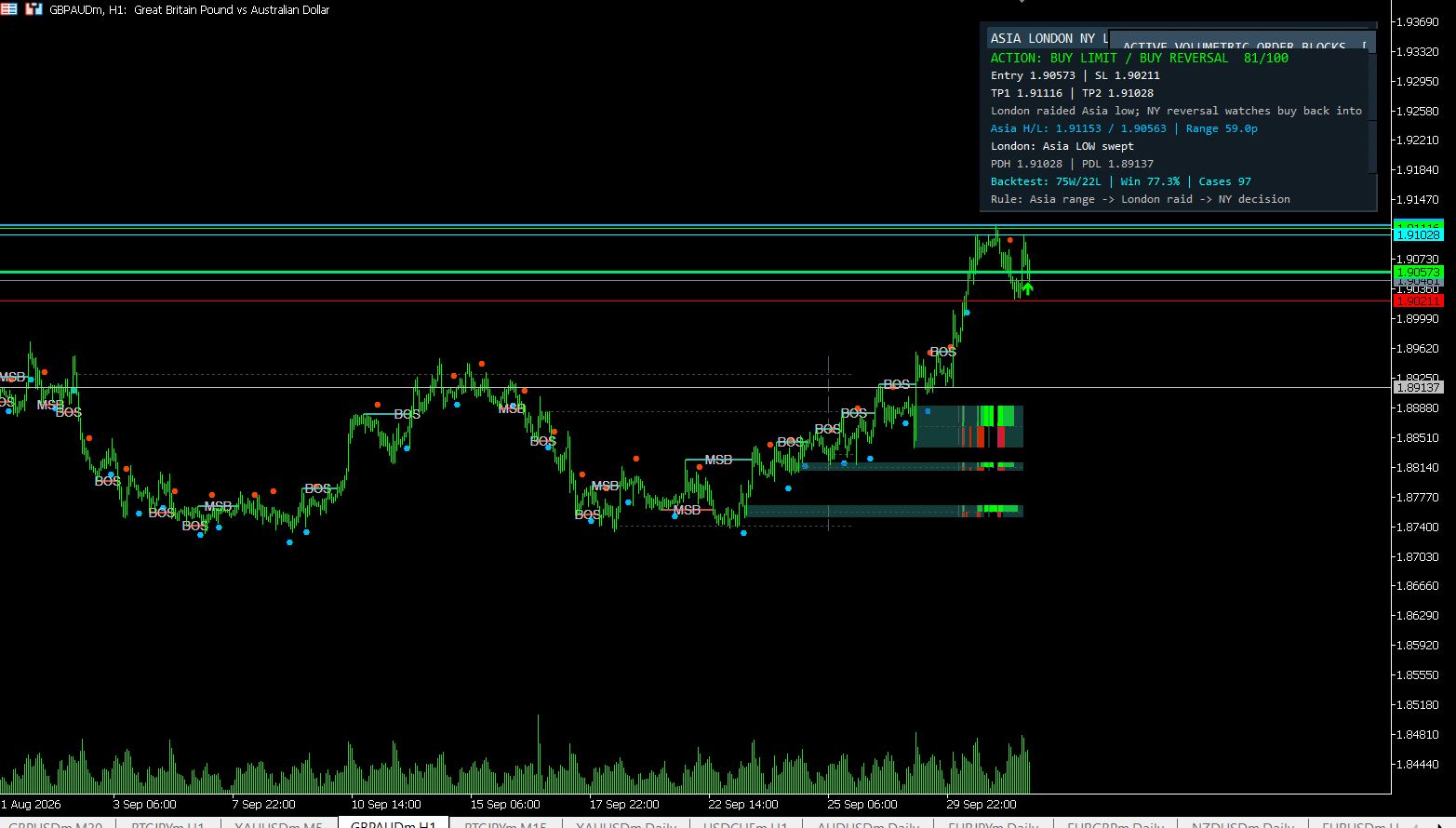
MT5 Asia London NY Liquidity Engine
Asia range, London raid and New York continuation/reversal planning with internal session backtest stats and entry/SL/TP dashboard.
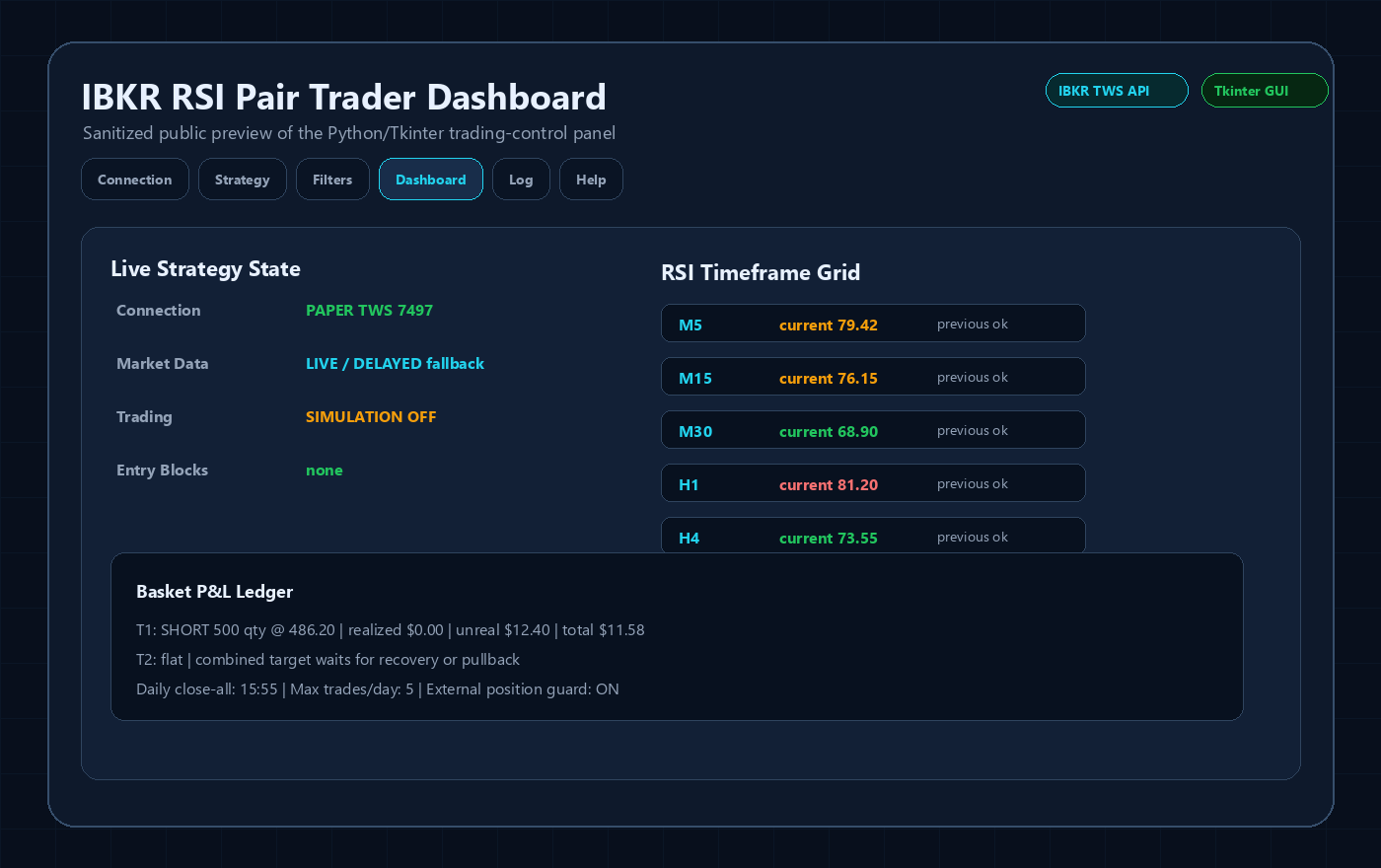
Interactive Brokers RSI Pair Trader
Tkinter desktop trading workflow, TWS API connection handling, RSI pair logic, risk controls and custom IBKR development positioning.
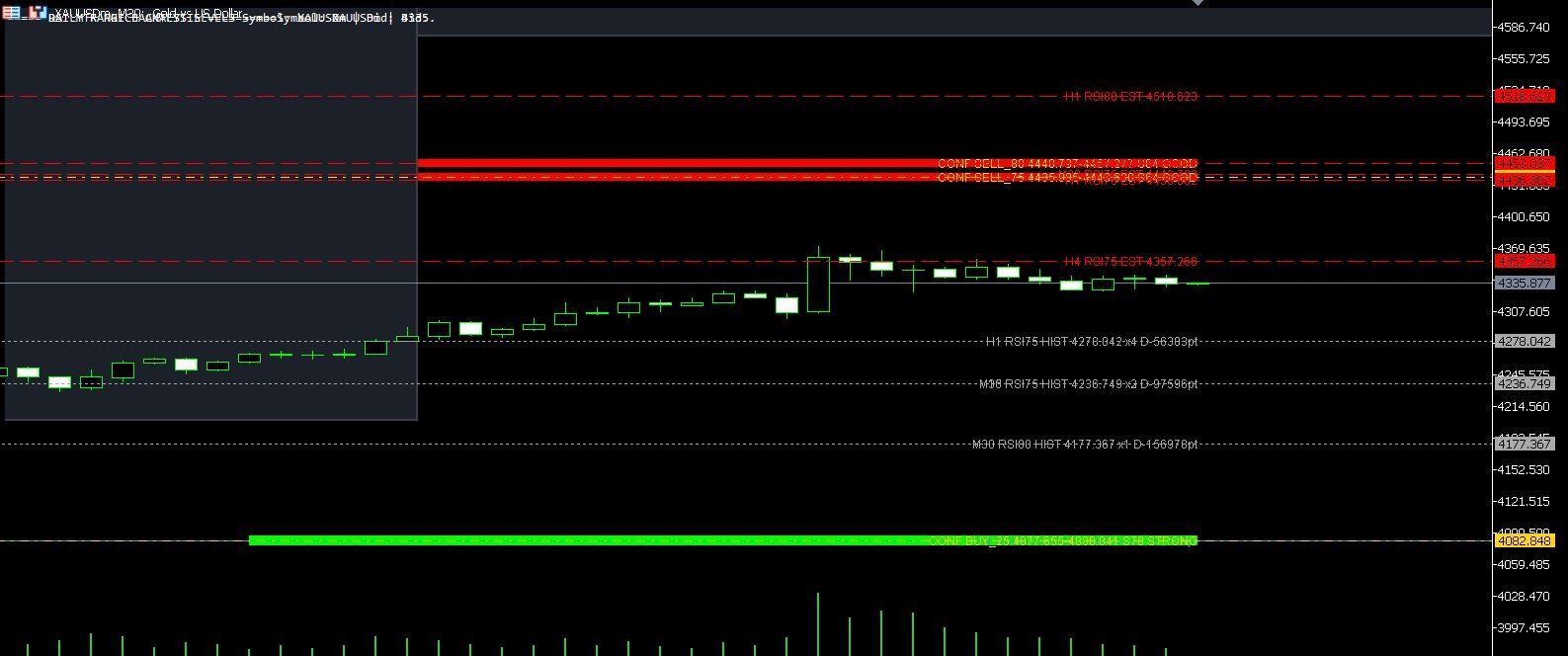
XAUUSD M30 CSV Data For Backtesting
Use clean MT5 historical data for Python backtests, strategy validation, spread checks and realistic gold EA research workflows.