Python OHLC API Guide
Copy-paste Python examples for fetching OHLC data, building pandas DataFrames, chunking large histories and handling rate limits without losing rows.
Updated 2026-11-02 ? Data refreshed from the AlgoSpecial catalog.
Quick start with requests
Install requests and pandas, then call the OHLC endpoint with a symbol, timeframe and date range. The data key contains the bar array. Always call raise_for_status() so a failed request does not silently become an empty DataFrame.
Chunk large date ranges
One request can return at most 50,000 rows and cover at most 366 days. For a multi-year M1 or M5 history, loop over monthly or quarterly windows. Keep the chunk boundaries explicit so you can resume after a failure.
- Use monthly chunks for M1 and M5.
- Use quarterly or yearly chunks for M15 and higher.
- De-duplicate on
Timestampafter concatenation. - Cache raw responses locally before transforming them.
Handle 429 and 413 correctly
A 429 response includes Retry-After. Wait that many seconds before retrying. A 413 means the requested row count is too large; narrow the date range or use a higher timeframe. Do not retry a 413 unchanged.
Check data quality in Python
Call the quality endpoint before training a model. A simple rule is to reject grades D/F or any report with a critical issue, then inspect the warning list for zero volume, spread or gap problems.
Python research workflows
Backtest engine
Feed pandas DataFrames into vectorized or event-driven backtests.
Feature engineering
Build returns, ATR, session flags and volatility features.
Data validation
Reject or clean datasets before training or optimization.
Request examples
Fetch one dataset
import requests
import pandas as pd

url = "https://www.algospecial.com/api/ohlc.php"
params = {
    "symbol": "XAUUSD",
    "tf": "M15",
    "from": "2026-01-01",
    "to": "2026-03-31",
}
r = requests.get(url, params=params, timeout=30)
r.raise_for_status()
payload = r.json()
df = pd.DataFrame(payload["data"])
df["Timestamp"] = pd.to_datetime(df["Timestamp"])
print(payload["rows"])
print(df.head())
Chunk a long history
import time
import requests
import pandas as pd
from datetime import date

url = "https://www.algospecial.com/api/ohlc.php"
frames = []

for year in range(2024, 2027):
    params = {
        "symbol": "EURUSD",
        "tf": "M15",
        "from": f"{year}-01-01",
        "to": f"{year}-12-31",
    }
    r = requests.get(url, params=params, timeout=30)
    if r.status_code == 429:
        wait = int(r.headers.get("Retry-After", "60"))
        time.sleep(wait)
        r = requests.get(url, params=params, timeout=30)
    r.raise_for_status()
    frames.append(pd.DataFrame(r.json()["data"]))
    time.sleep(0.5)

df = pd.concat(frames, ignore_index=True)
df["Timestamp"] = pd.to_datetime(df["Timestamp"])
df = df.drop_duplicates("Timestamp").sort_values("Timestamp")
print(len(df))
Quality gate
import requests

r = requests.get(
    "https://www.algospecial.com/api/data-quality.php",
    params={"symbol": "EURUSD", "tf": "M15"},
    timeout=30,
)
r.raise_for_status()
q = r.json()

if q["grade"] in ("D", "F") or q["critical_count"] > 0:
    raise SystemExit(f"Rejected: {q['grade']} {q['score']} {q['report_url']}")

print("Accepted", q["grade"], q["score"])
All timestamps are broker server time. Some legacy forex exports return 0 for TickVolume and Spread because those fields were not present in the source feed.
Python Guide FAQ
Is there a Python SDK?
No SDK is required. The API is plain HTTP JSON or CSV, so requests and pandas are enough.
How do I fetch more than 50,000 rows?
Split the date range into smaller windows, fetch each window and concatenate the results. Remove duplicate timestamps after merging.
How should I handle a 429 response?
Wait for the number of seconds in the Retry-After header, then retry once. Cache successful responses to avoid repeating requests.
Can I use the API in a Jupyter notebook?
Yes. The examples run unchanged in Jupyter, VS Code or a normal Python script.
Does the API return UTC timestamps?
No. Timestamps are broker server time. Convert them explicitly with pandas if your model needs UTC or New York time.
Choose the next useful step
Most visitors arrive with one question: build, test, price, or trust. These shortcuts keep the path practical.
Go deeper before you build, download or automate
Hand-picked engineering articles, indicator breakdowns and trading-system tools so visitors keep exploring instead of leaving after one page.
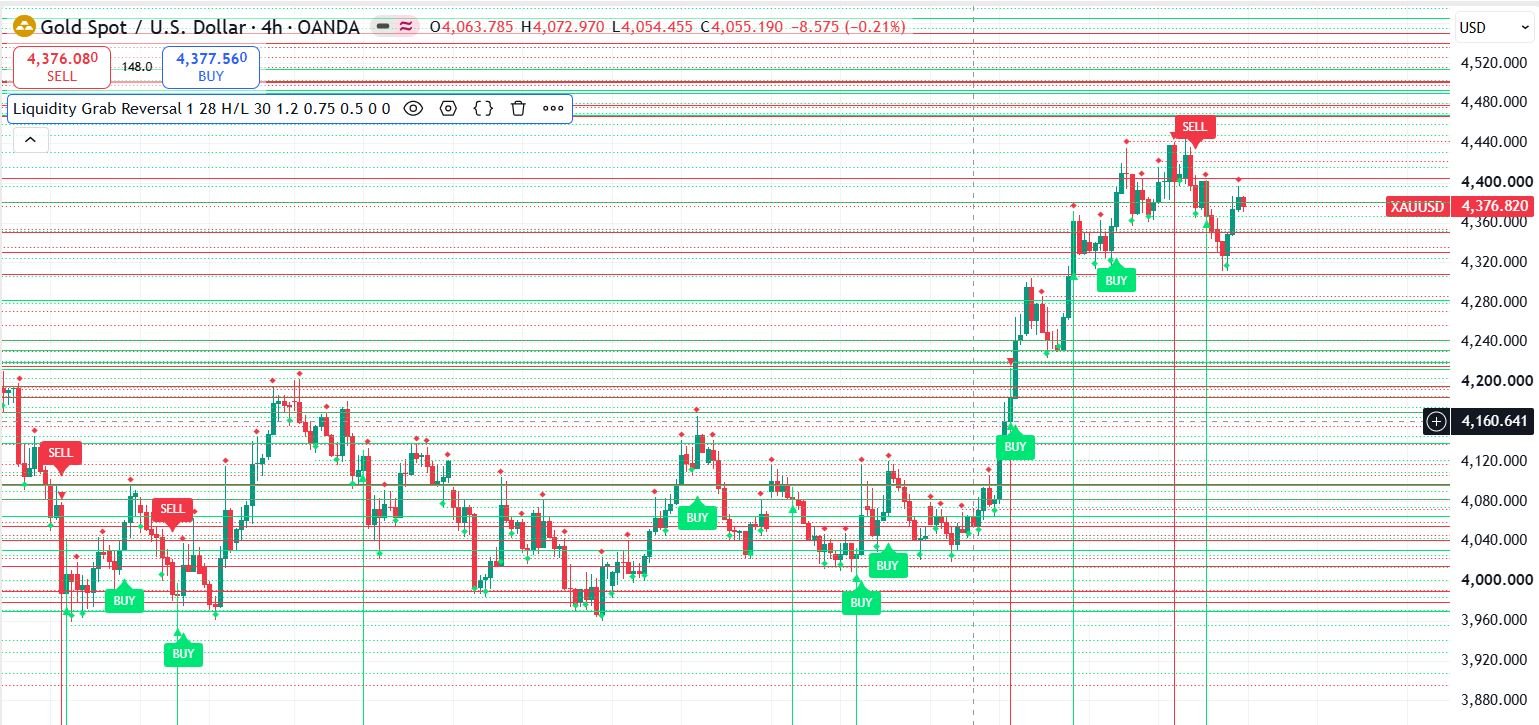
Pine Script to MT4/MT5 Conversion Planner
Analyze Pine strategies, repainting risk, TradingView alert bridges, MTF synchronization and the correct MQL4/MQL5 build path before paying for conversion.
Open planner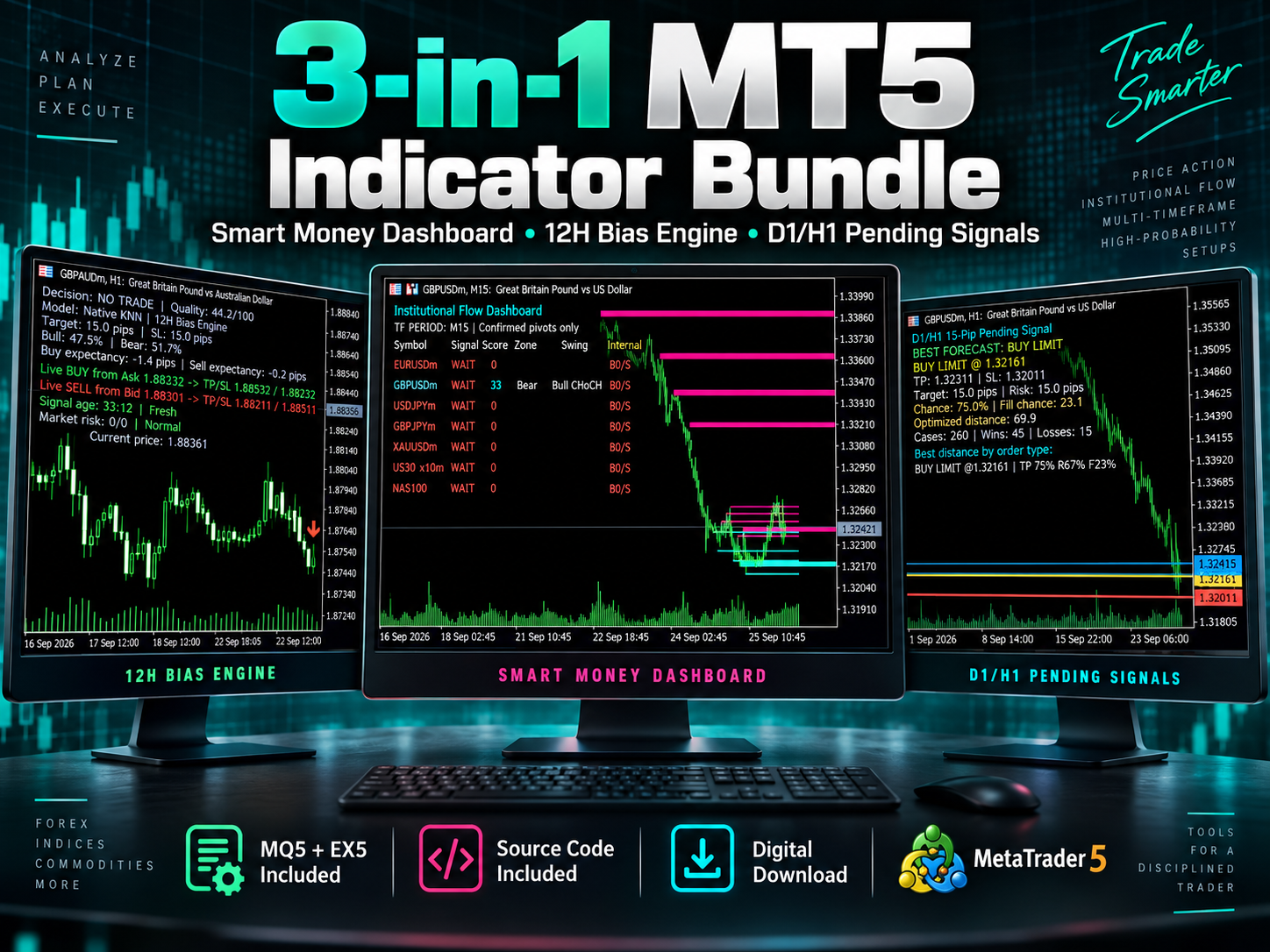
3-in-1 MT5 Indicator Bundle
12H Bias Engine, Smart Money Institutional Flow Dashboard and D1/H1 pending-signal logic with MQ5 + EX5 source included via Etsy.
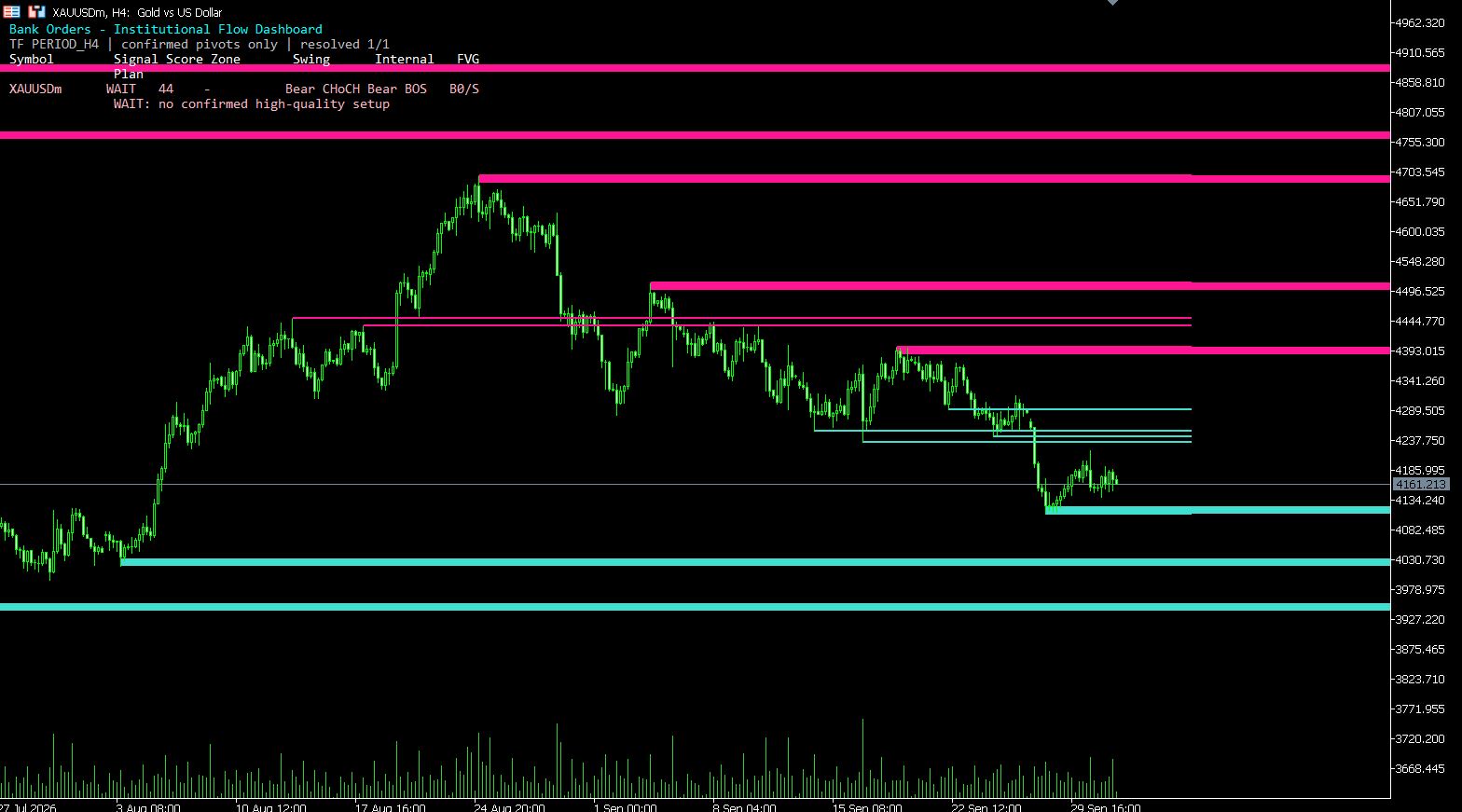
MT5 Bank Orders Institutional Flow Dashboard
Supply/demand zones, BOS/CHoCH, liquidity levels, FVG, equal highs/lows and confirmed trade-plan logic explained with EX5 download.
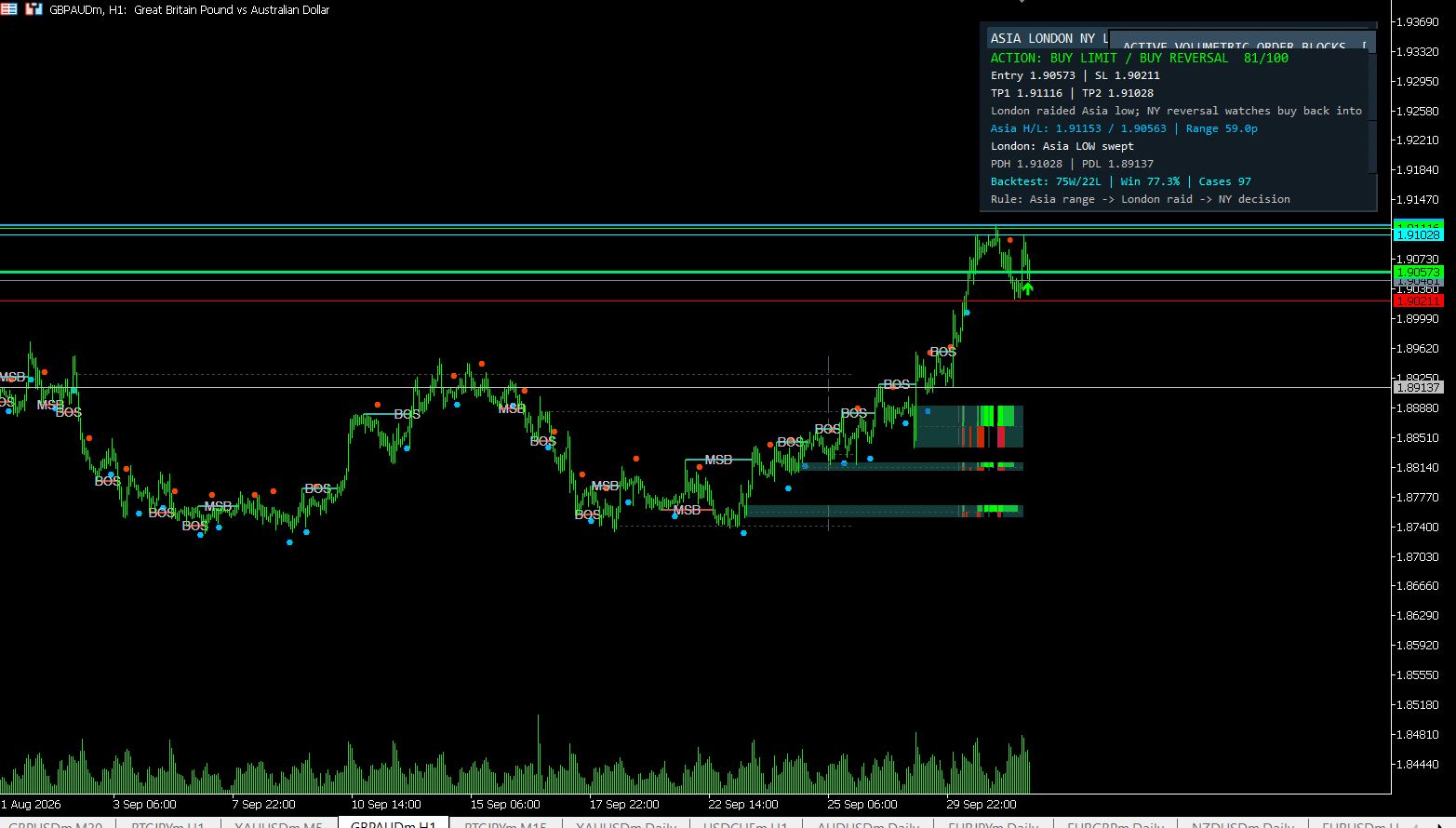
MT5 Asia London NY Liquidity Engine
Asia range, London raid and New York continuation/reversal planning with internal session backtest stats and entry/SL/TP dashboard.
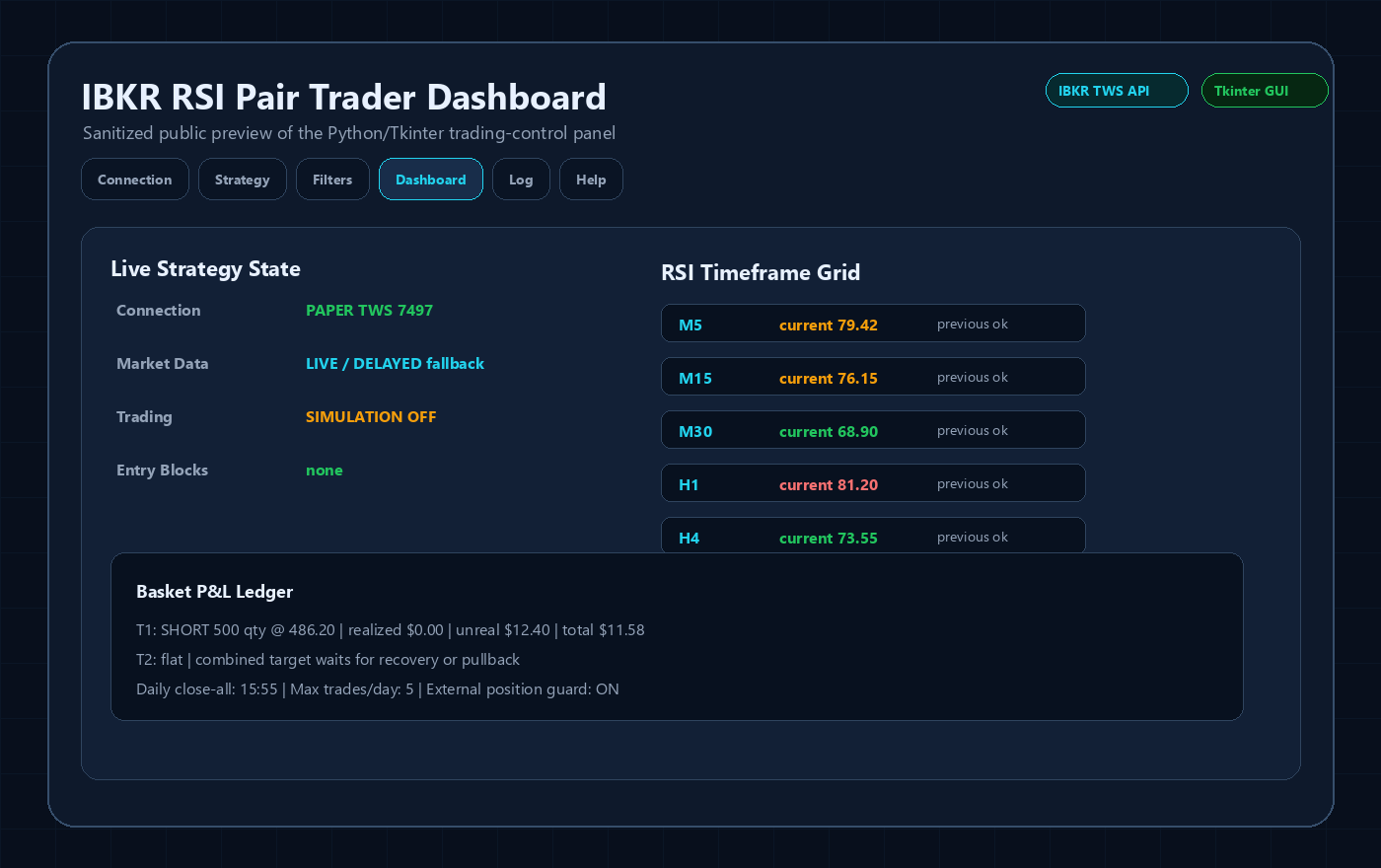
Interactive Brokers RSI Pair Trader
Tkinter desktop trading workflow, TWS API connection handling, RSI pair logic, risk controls and custom IBKR development positioning.
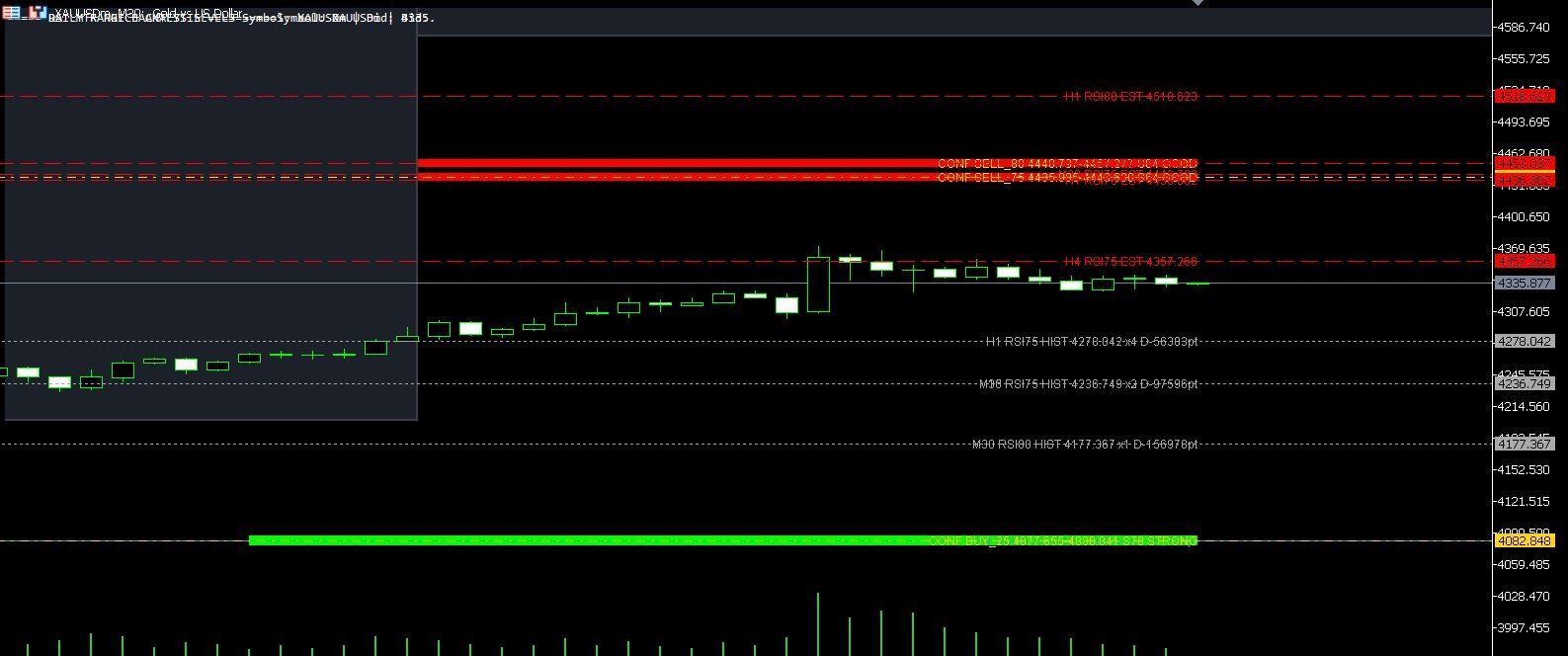
XAUUSD M30 CSV Data For Backtesting
Use clean MT5 historical data for Python backtests, strategy validation, spread checks and realistic gold EA research workflows.