Charles Schwab API Setup & OAuth in Python
The part that breaks first: app approval, the exact callback URL, the authorization-code exchange and token persistence. This is the setup path for both schwabdev and schwab-py, including the 401/403/429 errors that waste the most time.
1. Create the Schwab developer app
- Sign in at developer.schwab.com.
- Request the Trader API — Individual product. Approval can take several days; you cannot trade before it is granted.
- Create an application. The callback URL is the critical field.
- Set the callback URL to
https://127.0.0.1:8182for local development. Use the exact same string in your Python code. A trailing slash, a different port orlocalhostinstead of127.0.0.1can produce an OAuth error. - After approval, copy the App Key (consumer ID) and App Secret.
127.0.0.1, use a high port, and keep it closed at the firewall. Anyone who captures the callback can act on your account.2. Store the credentials safely
Create a .env file outside version control:
SCHWAB_APP_KEY=your-app-key
SCHWAB_APP_SECRET=your-app-secret
SCHWAB_CALLBACK_URL=https://127.0.0.1:8182
SCHWAB_TOKEN_PATH=.tokens/schwab-token.json
Add .env and .tokens/ to .gitignore. On a server, use the OS secret store or an environment manager; do not bake credentials into a Docker image. The app secret is a credential, not an identifier.
3. Authenticate with schwabdev
schwabdev creates a SQLite token database at ~/.schwabdev/tokens.db and starts the browser flow when no valid token exists:
import os
from dotenv import load_dotenv
import schwabdev

load_dotenv()

client = schwabdev.Client(
    os.environ["SCHWAB_APP_KEY"],
    os.environ["SCHWAB_APP_SECRET"],
    os.environ["SCHWAB_CALLBACK_URL"],
)

print(client.linked_accounts().json())
The client treats the access token as a 30-minute credential and the refresh token as a seven-day credential. update_tokens() refreshes the access token automatically; the refresh token is renewed through the authorization flow when it is close to expiry. The session's Authorization header is updated after each refresh.
For encryption at rest, pass a Fernet key:
from cryptography.fernet import Fernet

key = Fernet.generate_key().decode()   # save this outside the repo
client = schwabdev.Client(
    os.environ["SCHWAB_APP_KEY"],
    os.environ["SCHWAB_APP_SECRET"],
    os.environ["SCHWAB_CALLBACK_URL"],
    encryption=key,
)
If the browser cannot be opened, schwabdev prints the authorization URL and waits for the redirected URL. For a fully custom flow, pass call_on_auth= and capture the callback yourself.
4. Authenticate with schwab-py
schwab-py writes a JSON token file and refreshes it through authlib:
import os
from schwab import auth

client = auth.easy_client(
    os.environ["SCHWAB_APP_KEY"],
    os.environ["SCHWAB_APP_SECRET"],
    os.environ["SCHWAB_CALLBACK_URL"],
    os.environ["SCHWAB_TOKEN_PATH"],
)

print(client.get_account_numbers().json())
easy_client() loads the token file if it exists; otherwise it opens the browser, starts a local callback server and writes a new token. The default max_token_age is 6.5 days, so a token that is close to the seven-day boundary is proactively replaced. For a headless server, create the token on a machine with a browser and copy the file, then use client_from_token_file(). For notebooks, use client_from_manual_flow() and paste the redirected URL.
5. Verify the connection
accounts = client.get_account_numbers().json()
account_hash = accounts[0]["hashValue"]

quote = client.get_quote("AAPL")
quote.raise_for_status()
print(quote.json())
If this works, the app, token, callback and account mapping are correct. Store the account_hash, not the account number, for order endpoints. Account numbers are not the identifier used by the Trader API.
6. Fix the common errors
| Error | Cause | Fix |
|---|---|---|
| 401 Unauthorized | Missing/expired access token | Refresh or re-authenticate. Check that the token file path is writable. |
| 403 Forbidden | App not approved, product not granted, account lacks trading permission | Check the developer portal and account entitlements. Do not retry in a loop. |
| 400 invalid_grant / invalid_client | Callback mismatch, expired code, wrong secret | Re-check the exact callback URL, regenerate the code, confirm the app secret. |
| 429 Too Many Requests | Market-data or trading budget exhausted | Back off with jitter, batch quotes, cache instruments, reduce option-chain fan-out. |
| Token works, orders rejected | Account type, options approval, buying power or market hours | Preview the order; read the API error body; verify the account and instrument permissions. |
7. Production token handling
- Persist the token outside the container filesystem if you redeploy frequently; otherwise every deploy triggers a new login.
- Monitor token age. A refresh token that expires while the process is offline forces a manual browser flow.
- Encrypt at rest. schwabdev supports Fernet; for schwab-py, encrypt the token file or store it in a secret manager and use
client_from_access_functions(). - Never log tokens. schwab-py includes log redaction; still, review your own logs and error handlers.
- Run one token owner. Multiple processes refreshing the same token can race. schwabdev coordinates through SQLite; with schwab-py, serialize refresh or use a single auth process.
8. FAQ
Can I use localhost instead of 127.0.0.1?
Use exactly what the developer portal stores. schwab-py explicitly restricts the login-flow host to 127.0.0.1; mismatches fail the OAuth security check.
Can I skip app approval for market data only?
No. The app must be approved for the product you use. Market-data entitlements are tied to the approved app and account.
How often do I need to log in manually?
Roughly every seven days if the process is offline when the refresh token expires. A running client refreshes the access token automatically; the refresh token still has a finite lifecycle.
Schwab API Python series: Hub | Full tutorial | Setup & OAuth | schwabdev | schwab-py | Comparison
Stuck on OAuth or App Approval?
We build and debug Schwab, Interactive Brokers and MT5 Python integrations — token flows, order reconciliation, streaming and deployment.
Get HelpReference: Schwab Developer Portal, schwabdev, schwab-py. Both wrappers are unofficial and not affiliated with Charles Schwab. Not financial advice.
Go from article to implementation
Read the proof, then test the idea with calculators, free tools, case studies and a fixed-price build path.
Go deeper before you build, download or automate
Hand-picked engineering articles, indicator breakdowns and trading-system tools so visitors keep exploring instead of leaving after one page.
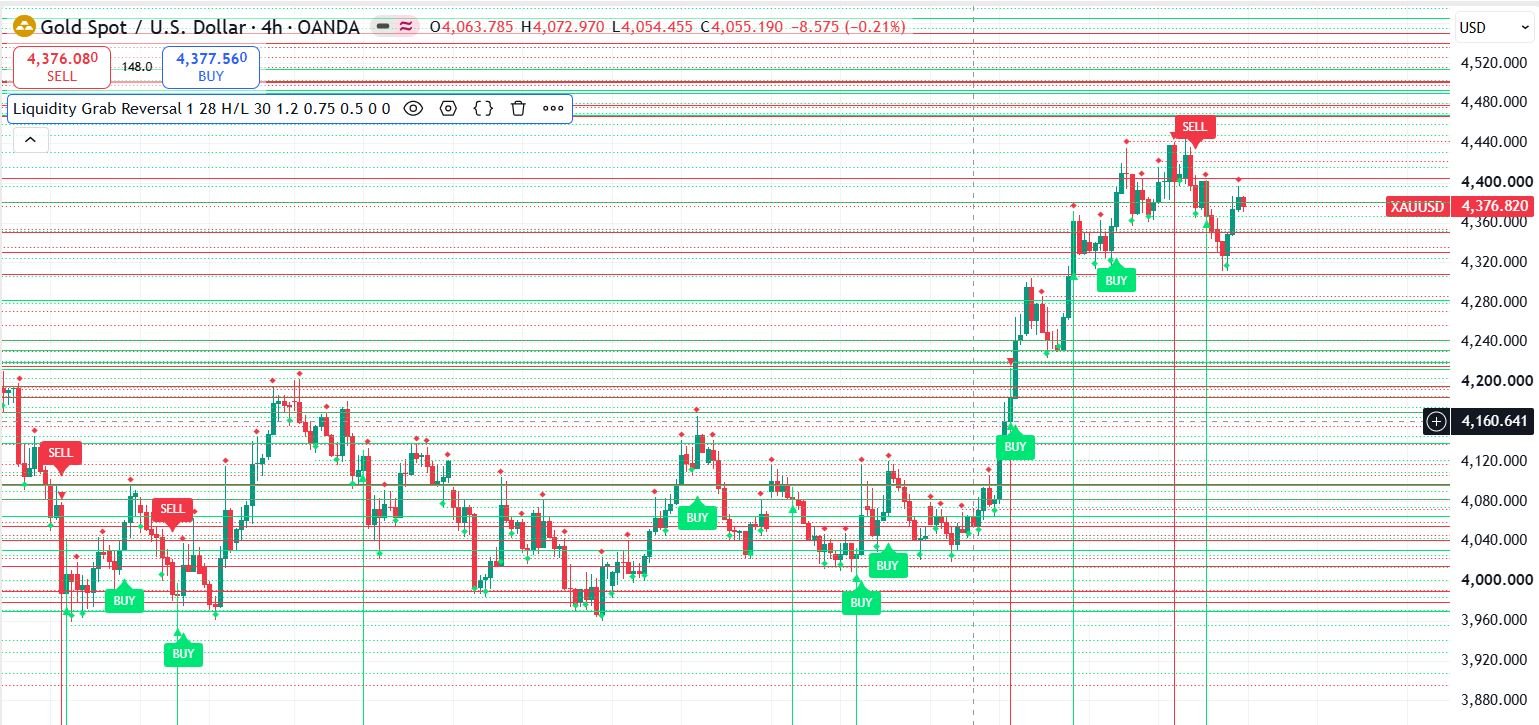
Pine Script to MT4/MT5 Conversion Planner
Analyze Pine strategies, repainting risk, TradingView alert bridges, MTF synchronization and the correct MQL4/MQL5 build path before paying for conversion.
Open planner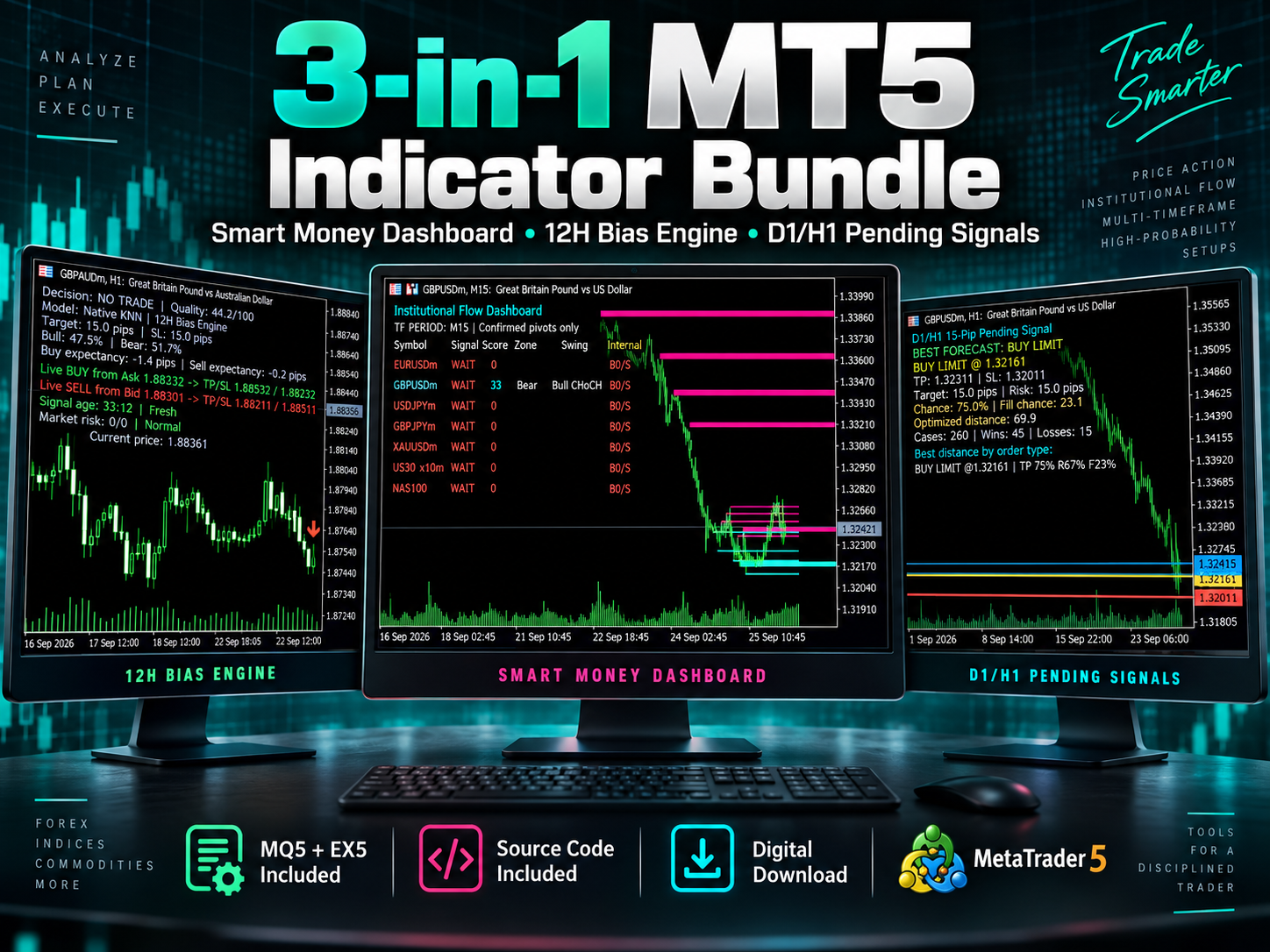
3-in-1 MT5 Indicator Bundle
12H Bias Engine, Smart Money Institutional Flow Dashboard and D1/H1 pending-signal logic with MQ5 + EX5 source included via Etsy.
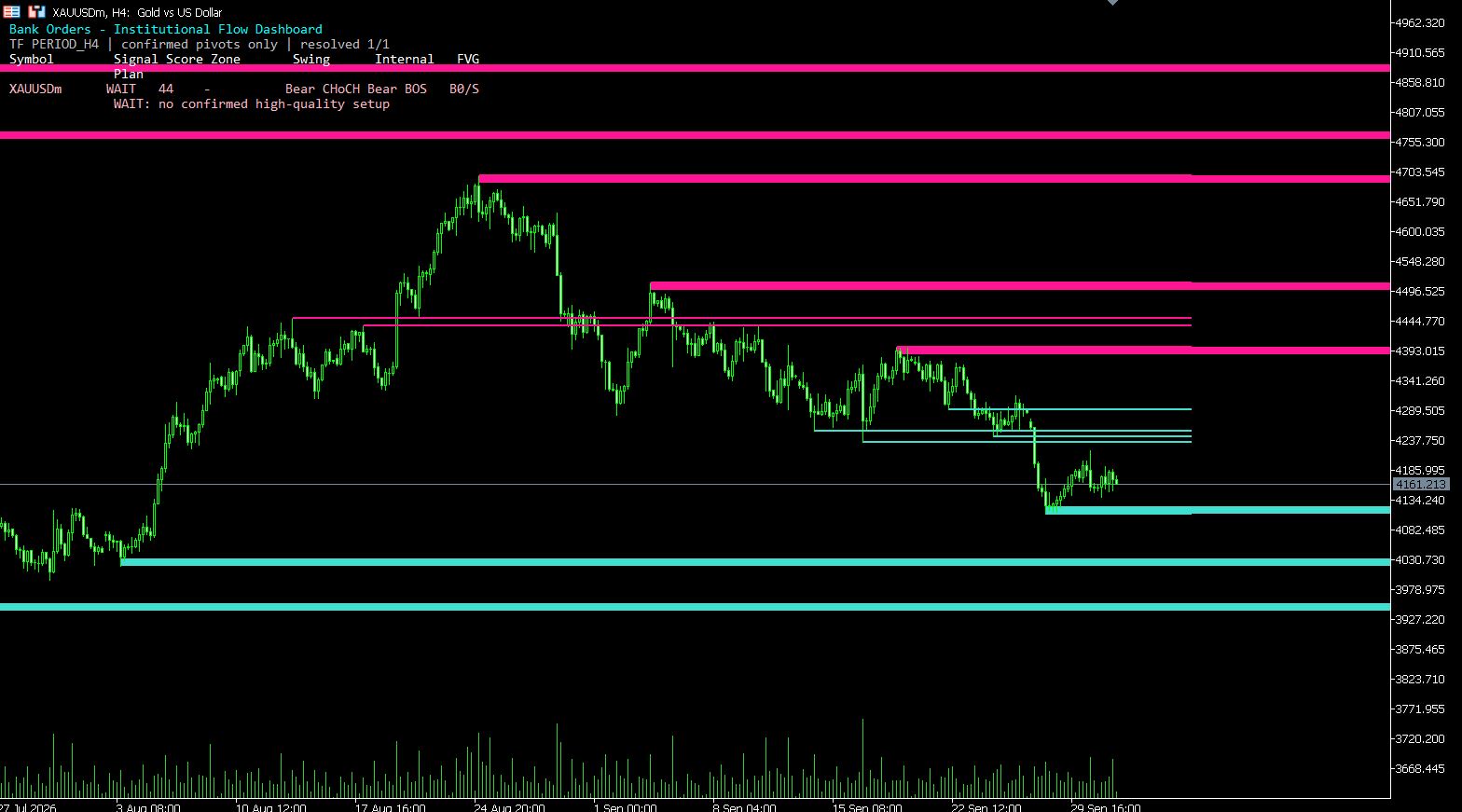
MT5 Bank Orders Institutional Flow Dashboard
Supply/demand zones, BOS/CHoCH, liquidity levels, FVG, equal highs/lows and confirmed trade-plan logic explained with EX5 download.
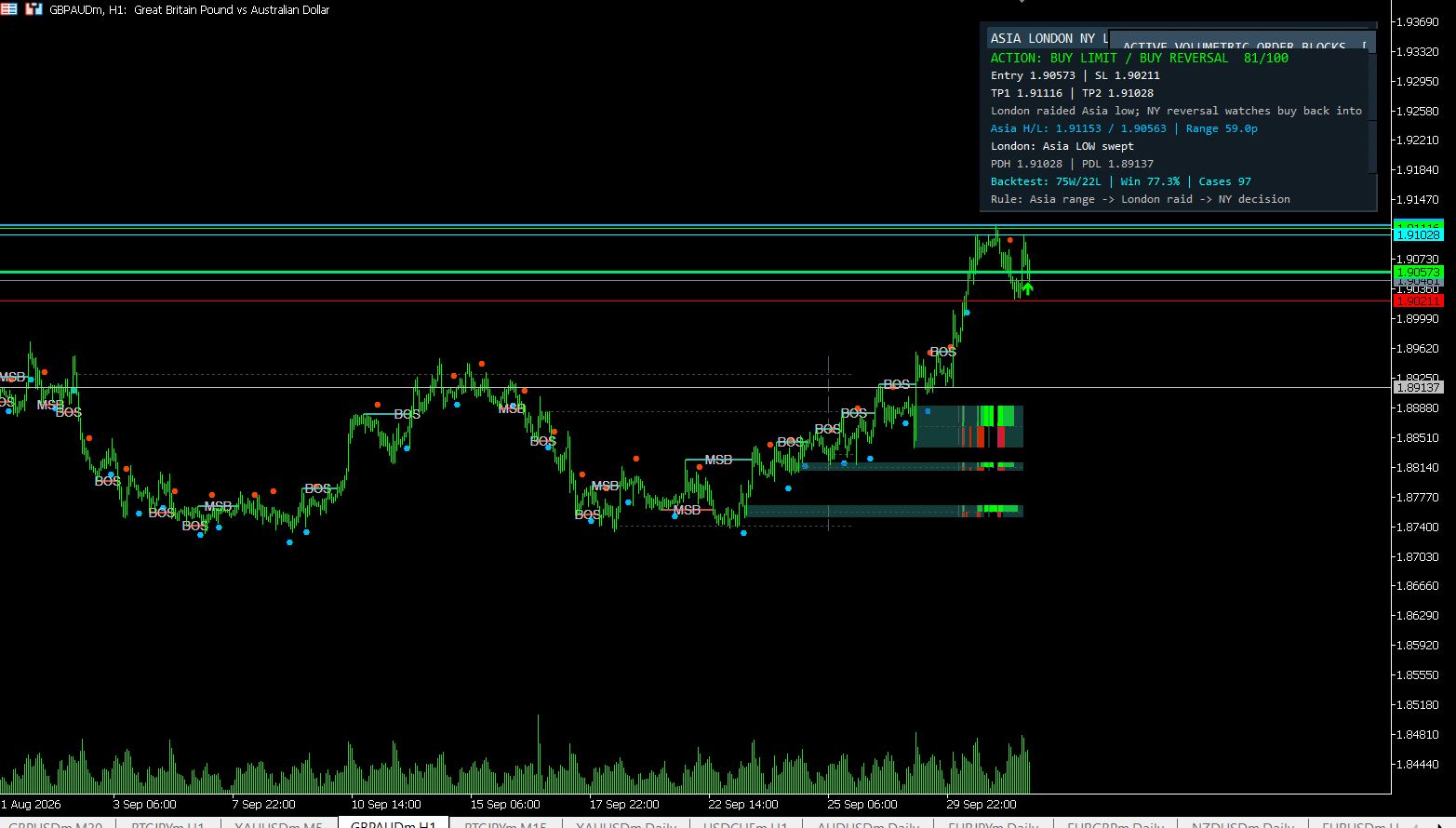
MT5 Asia London NY Liquidity Engine
Asia range, London raid and New York continuation/reversal planning with internal session backtest stats and entry/SL/TP dashboard.
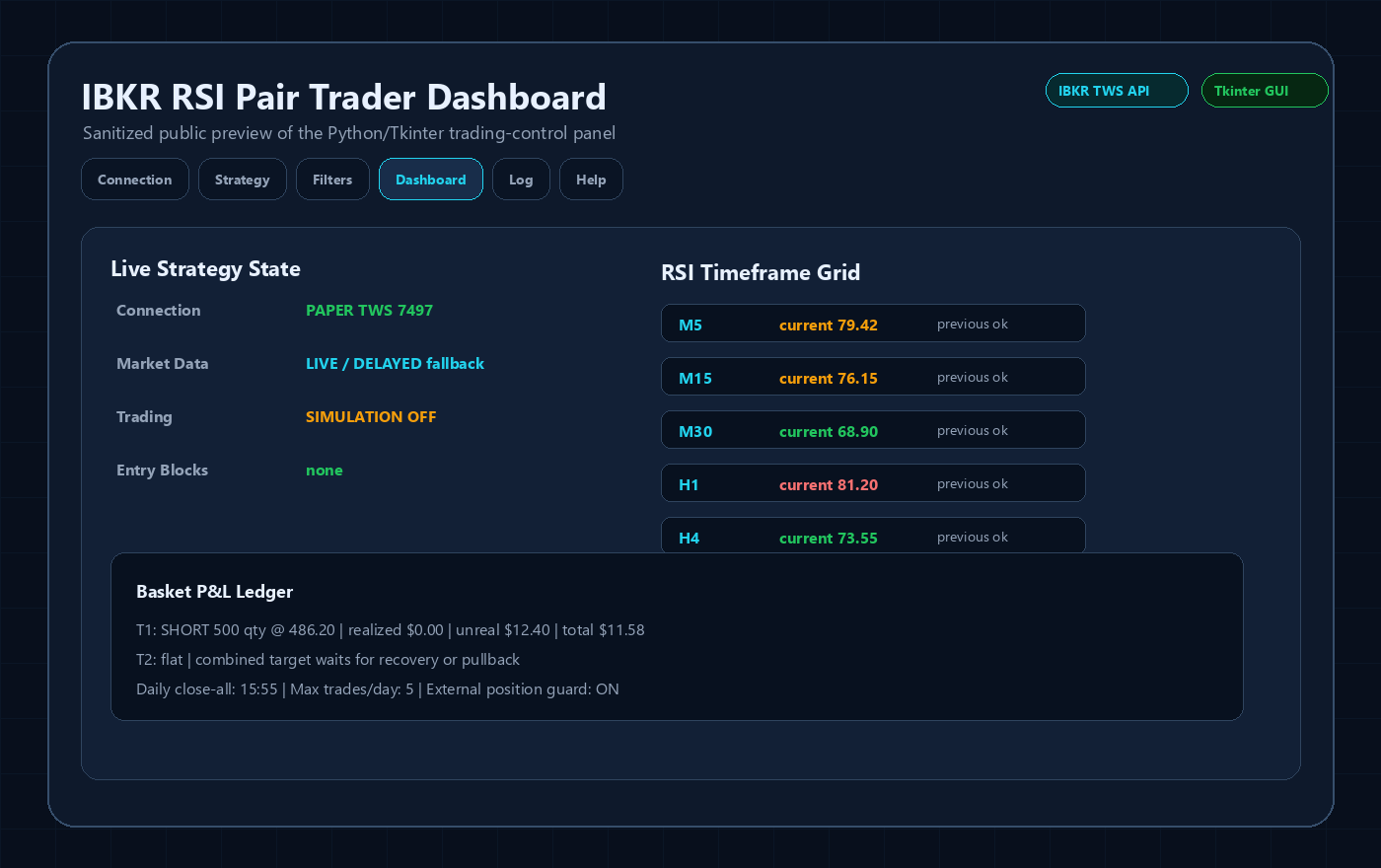
Interactive Brokers RSI Pair Trader
Tkinter desktop trading workflow, TWS API connection handling, RSI pair logic, risk controls and custom IBKR development positioning.
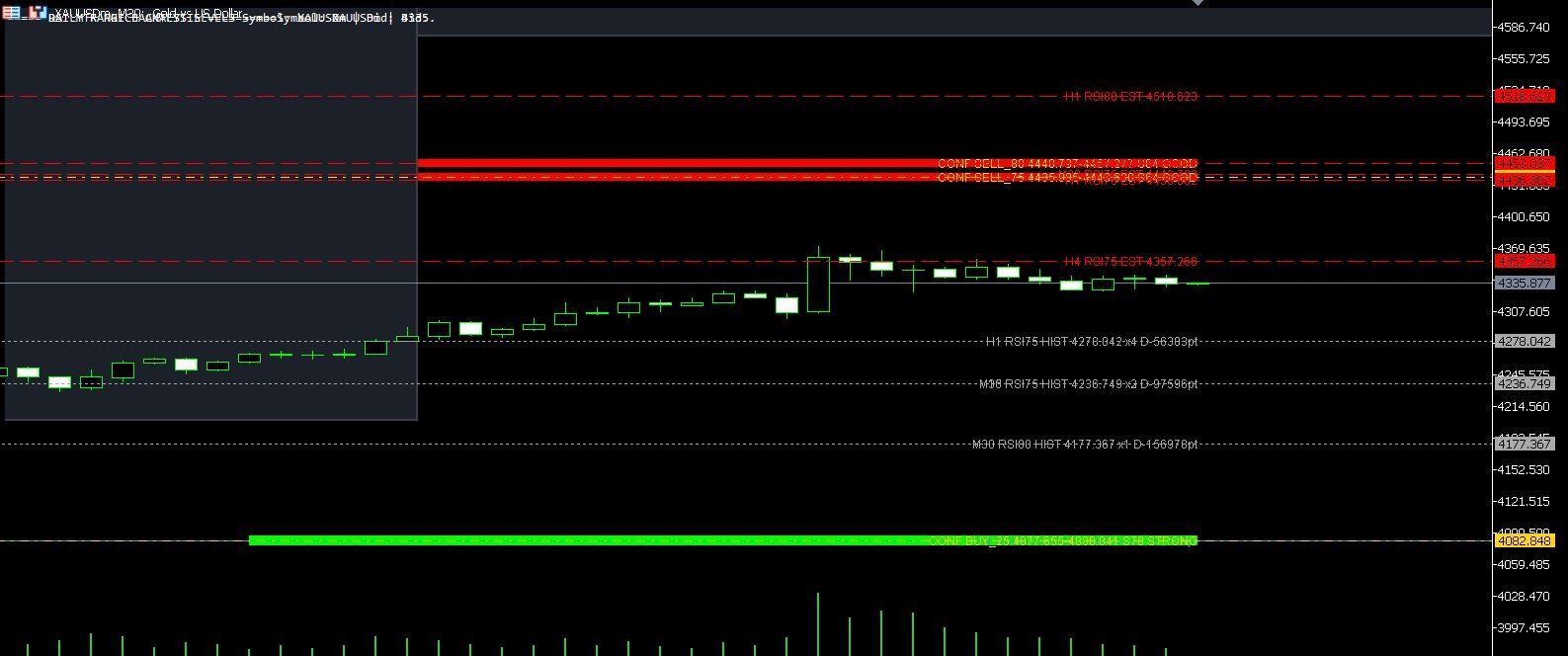
XAUUSD M30 CSV Data For Backtesting
Use clean MT5 historical data for Python backtests, strategy validation, spread checks and realistic gold EA research workflows.