Charles Schwab API Python Tutorial 2026
A source-code-level walkthrough of the official Schwab APIs through schwabdev 4.0.0 and schwab-py 1.5.1: OAuth, token lifetimes, quotes, option chains, orders, WebSocket streaming and the failure modes that break production bots.
Charles Schwab does not publish an official Python SDK. It publishes the REST API, the streaming protocol and the OAuth rules; the Python layer is community-maintained. That is not a detail to skip. The two wrappers make different choices about token storage, refresh timing, type validation, order construction and streaming reconnect behavior. Choosing the wrong one costs days of debugging. This guide is built from the actual source of both projects, not from a generic quick-start.
1. What the Schwab API covers
The API is split into two surfaces:
| Surface | Base path | Representative endpoints |
|---|---|---|
| Trader API | /trader/v1 | Account numbers, balances, positions, orders, preview, replace, cancel, transactions, user preferences and streamer credentials. |
| Market Data API | /marketdata/v1 | Quotes, option chains, expiration chains, price history, movers, market hours and instruments. |
| OAuth 2.0 | /v1/oauth | Authorization code, token exchange, refresh and rotation. |
The practical ceilings are 120 market-data calls per minute and 60 trading/account calls per minute. Option chains are expensive: one request can return a large payload, so filter by expiration, strike count and contract type before you loop over symbols.
API access is free for approved individual developer applications, but approval is not instant. You need a Schwab account, a developer app and an exact OAuth callback URL. Market-data entitlements and trading permissions still depend on the underlying account.
2. Prerequisites: app, keys and callback URL
Before writing Python, create the app in the Schwab Developer Portal:
- Create a developer account and request the Trader API — Individual product.
- Create an application and set the callback URL. For local development use
https://127.0.0.1:8182— the exact string, including scheme and port, must match the portal. - Wait for approval, then copy the App Key (consumer ID) and App Secret.
- Store both in environment variables, never in source code or Git.
The callback URL is part of the security model. Both wrappers start a local HTTPS server on that port to capture the authorization code. Anyone who can reach that callback can steal the token, so bind to 127.0.0.1 and keep the port closed at the firewall. A detailed portal walkthrough is in the setup and OAuth guide.
3. Install the wrappers
python -m venv .venv
# Windows: .venv\Scripts\activate
# macOS/Linux: source .venv/bin/activate

pip install schwabdev==4.0.0 schwab-py==1.5.1 python-dotenv
schwabdev requires Python 3.11+ and depends on requests, aiohttp, websockets, cryptography and tzdata. schwab-py requires Python 3.10+ and uses authlib, httpx, flask, websockets, psutil and python-dateutil. Pin versions in production; both projects are actively changing.
4. Authentication: two valid designs
Both libraries implement the same OAuth 2.0 authorization-code flow, but they persist and refresh tokens differently.
4.1 schwabdev: SQLite token database + automatic refresh
import os
import schwabdev

client = schwabdev.Client(
    os.environ["SCHWAB_APP_KEY"],
    os.environ["SCHWAB_APP_SECRET"],
    os.environ["SCHWAB_CALLBACK_URL"],   # e.g. https://127.0.0.1:8182
)

accounts = client.linked_accounts().json()
account_hash = accounts[0]["hashValue"]
The default token store is ~/.schwabdev/tokens.db, a SQLite database. The access token is treated as a 30-minute credential and the refresh token as a seven-day credential. update_tokens() refreshes the access token when it is within roughly 61 seconds of expiry; the refresh token is renewed through the authorization flow when it is within roughly 60 minutes of its seven-day deadline. The client refreshes the session Authorization header after every token update.
For encryption at rest, generate a Fernet key and pass it as encryption=:
from cryptography.fernet import Fernet

key = Fernet.generate_key().decode()
client = schwabdev.Client(
    os.environ["SCHWAB_APP_KEY"],
    os.environ["SCHWAB_APP_SECRET"],
    os.environ["SCHWAB_CALLBACK_URL"],
    encryption=key,
)
Save the Fernet key outside the token database. Losing it means re-authenticating; committing it defeats the purpose. The library also supports ClientAsync for asyncio workloads and a background token-refresh task.
4.2 schwab-py: token file + easy_client
from schwab import auth

client = auth.easy_client(
    api_key=os.environ["SCHWAB_APP_KEY"],
    app_secret=os.environ["SCHWAB_APP_SECRET"],
    callback_url=os.environ["SCHWAB_CALLBACK_URL"],
    token_path=".tokens/schwab-token.json",
)
easy_client() loads an existing token file if present; otherwise it starts the browser login flow, captures the callback and writes the token. The token file contains metadata, not just the bearer string. The default max_token_age is 6.5 days, so a token that is close to the seven-day refresh boundary is proactively replaced.
For headless servers, generate the token once on a machine with a browser, copy the token file to the server, then use client_from_token_file(). For notebooks or environments without a local callback server, use client_from_manual_flow(). The library also exposes client_from_access_functions() for custom storage such as a database or secret manager.
chmod 600), exclude it from backups that are not encrypted, and rotate the app secret if it leaks.5. First API calls
5.1 Quotes
# schwabdev
quotes = client.quotes(["AAPL", "MSFT", "SPY"]).json()

# schwab-py
r = client.get_quotes(["AAPL", "MSFT", "SPY"])
r.raise_for_status()
quotes = r.json()
Batch symbols in one request where possible. A loop that calls one quote endpoint per symbol burns the 120-per-minute market-data budget and increases latency.
5.2 Price history
# schwabdev
history = client.price_history(
    "AAPL",
    periodType="year", period=1,
    frequencyType="daily", frequency=1,
).json()

# schwab-py
r = client.get_price_history_every_day("AAPL")
r.raise_for_status()
history = r.json()
schwab-py provides convenience methods for one-, five-, ten-, fifteen- and thirty-minute bars, plus daily and weekly bars. For custom ranges, use get_price_history() with start_datetime and end_datetime. The API returns timestamps in milliseconds; convert them before joining with other datasets.
5.3 Option chains
# schwabdev
chain = client.option_chains(
    "AAPL",
    contractType="CALL",
    strikeCount=10,
    includeUnderlyingQuote=True,
).json()

# schwab-py
r = client.get_option_chain(
    "AAPL",
    contract_type=client.Options.ContractType.CALL,
    strike_count=10,
    include_underlying_quote=True,
)
r.raise_for_status()
chain = r.json()
Always constrain the chain. A full chain on a liquid index can be enormous. Use from_date/to_date, strike_count, contract_type and strike_range. Historical option pricing is not provided by the API, so any options backtest needs an external dataset or forward-collected snapshots.
6. Orders: preview before you send
Both wrappers can send raw order payloads; schwab-py also provides typed builders. Preview first, then place, then reconcile.
# schwabdev: raw order dictionary
order = {
    "orderType": "LIMIT",
    "session": "NORMAL",
    "duration": "DAY",
    "orderStrategyType": "SINGLE",
    "price": "100.00",
    "orderLegCollection": [{
        "instruction": "BUY",
        "quantity": 1,
        "instrument": {"symbol": "AAPL", "assetType": "EQUITY"},
    }],
}
preview = client.preview_order(account_hash, order).json()
# resp = client.place_order(account_hash, order)
# order_id = resp.headers.get("location", "/").split("/")[-1]
# client.cancel_order(account_hash, order_id)
# schwab-py: typed builder
from schwab.orders.equities import equity_buy_limit

order = equity_buy_limit("AAPL", 1, 100.00)
preview = client.preview_order(account_hash, order)
preview.raise_for_status()

placed = client.place_order(account_hash, order)
placed.raise_for_status()
order_id = client.extract_order_id(placed)
Do not retry a POST /orders blindly after a timeout. The order may already exist. Query the order list, match on the client order ID or symbol/time/quantity, and only then decide whether to retry. For options, validate the exact OCC symbol and the account's options approval level before sending.
7. Streaming: WebSocket, not polling
The streamer is a separate WebSocket protocol. You first call the Trader API for streamer credentials, then log in to the socket and subscribe to services.
7.1 schwabdev Stream
import schwabdev

streamer = schwabdev.Stream(client)

def on_message(message):
    print(message)

streamer.start(on_message)
streamer.send(
    streamer.level_one_equities(
        "AAPL,MSFT",
        "0,1,2,3,4,5,6,7,8",
    )
)
# ... later
streamer.stop()
schwabdev exposes helpers for level-one equities, options, futures, futures options and forex; NYSE, NASDAQ and options books; equity/futures charts; screeners; and account activity. Commands are ADD, SUBS, UNSUBS and VIEW. Up to 500 keys can be streamed. The streamer includes reconnect/backoff logic and an optional start_auto() scheduler around market hours.
7.2 schwab-py StreamClient
import asyncio
from schwab.streaming import StreamClient

async def main():
    accounts = client.get_account_numbers().json()
    account_id = int(accounts[0]["accountNumber"])

    stream = StreamClient(client, account_id=account_id)

    async def handler(message):
        print(message)

    stream.add_level_one_equity_handler(handler)
    await stream.login()
    await stream.level_one_equity_subs(["AAPL", "MSFT"])

    while True:
        await stream.handle_message()

asyncio.run(main())
schwab-py requires a handler per service type. The handler receives parsed messages; the client exposes subscription methods such as level_one_equity_subs(), level_one_option_subs(), nyse_book_subs(), nasdaq_book_subs(), options_book_subs(), chart_equity_subs() and account_activity_subs(). You drive the receive loop yourself with handle_message(), which makes it easy to integrate into an existing async service.
8. Rate limits, errors and retries
| Status | Meaning | Correct action |
|---|---|---|
| 401 | Missing/expired access token | Refresh the token; recreate the client if the refresh token is invalid. |
| 403 | App or account not entitled | Check app approval, product access and account permissions. Do not retry in a loop. |
| 429 | Rate limit | Back off with jitter; reduce request fan-out; cache quotes and instrument metadata. |
| 400 | Invalid order/parameter | Validate the payload and preview the order; fix the request, do not retry unchanged. |
| 5xx | Upstream failure | Retry idempotent GETs with capped exponential backoff; reconcile order POSTs before retrying. |
schwabdev configures a requests retry policy for 429 and 500/502/503/504 and refreshes tokens before requests. schwab-py returns raw httpx responses; you decide when to call raise_for_status() and how to retry. Neither library can make an unsafe order retry safe: that is your reconciliation logic.
9. Production architecture that survives
Minimum viable production checklist
- Secrets: environment variables or a secret manager; never commit keys or token files.
- Tokens: encrypted SQLite (schwabdev) or permission-restricted JSON (schwab-py); monitor refresh-token age.
- Time: store UTC; convert Schwab millisecond timestamps explicitly; schedule market hours in the exchange timezone.
- Orders: preview, place, persist the order ID, reconcile by order ID and positions; never infer fills from a socket message alone.
- Risk: per-symbol exposure, daily loss cap, max open orders, kill switch and a separate process for the streamer.
- Observability: structured logs, request IDs, 429 counters, stream reconnect counters and a daily reconciliation report.
- Testing: replay recorded quotes, simulate fills, and use a dedicated small account. The API has no paper-trading mode.
10. FAQ
Is there an official Schwab Python SDK?
No. Schwab documents the API; schwabdev and schwab-py are independent MIT-licensed wrappers. Neither is affiliated with Schwab.
Which wrapper is faster to production?
schwabdev, because token management, retries and the streamer are built in. schwab-py is better when you want explicit order builders and typed enums.
Can I stream options and futures?
Yes. Both wrappers expose level-one options, futures, futures options and forex services, plus book depth for supported venues. Entitlements still apply.
Why does my token expire after a few days?
The refresh token has a seven-day lifecycle. If the process is offline when it expires, you must repeat the authorization flow. Keep the refresh token fresh and monitor its age.
Can I run this on a VPS?
Yes, but generate the token where a browser is available, copy the token securely, and run the callback server only on localhost. Use a process supervisor and a persistent token path.
Schwab API Python series: Hub | Full tutorial | Setup & OAuth | schwabdev | schwab-py | Comparison
Need the Execution Layer Built for You?
We build Schwab, Interactive Brokers and MT5 Python systems with OAuth, order reconciliation, risk controls, streaming and deployment. Source code and documentation included.
Discuss Your ProjectSources and further reading: schwabdev on GitHub, schwab-py on GitHub, Schwab Developer Portal. Versions referenced: schwabdev 4.0.0, schwab-py 1.5.1. Both libraries are unofficial and not affiliated with Charles Schwab. Nothing here is financial advice.
Go from article to implementation
Read the proof, then test the idea with calculators, free tools, case studies and a fixed-price build path.
Go deeper before you build, download or automate
Hand-picked engineering articles, indicator breakdowns and trading-system tools so visitors keep exploring instead of leaving after one page.
Pine Script to MT4/MT5 Conversion Planner
Analyze Pine strategies, repainting risk, TradingView alert bridges, MTF synchronization and the correct MQL4/MQL5 build path before paying for conversion.
Open planner
3-in-1 MT5 Indicator Bundle
12H Bias Engine, Smart Money Institutional Flow Dashboard and D1/H1 pending-signal logic with MQ5 + EX5 source included via Etsy.
MT5 Bank Orders Institutional Flow Dashboard
Supply/demand zones, BOS/CHoCH, liquidity levels, FVG, equal highs/lows and confirmed trade-plan logic explained with EX5 download.
MT5 Asia London NY Liquidity Engine
Asia range, London raid and New York continuation/reversal planning with internal session backtest stats and entry/SL/TP dashboard.
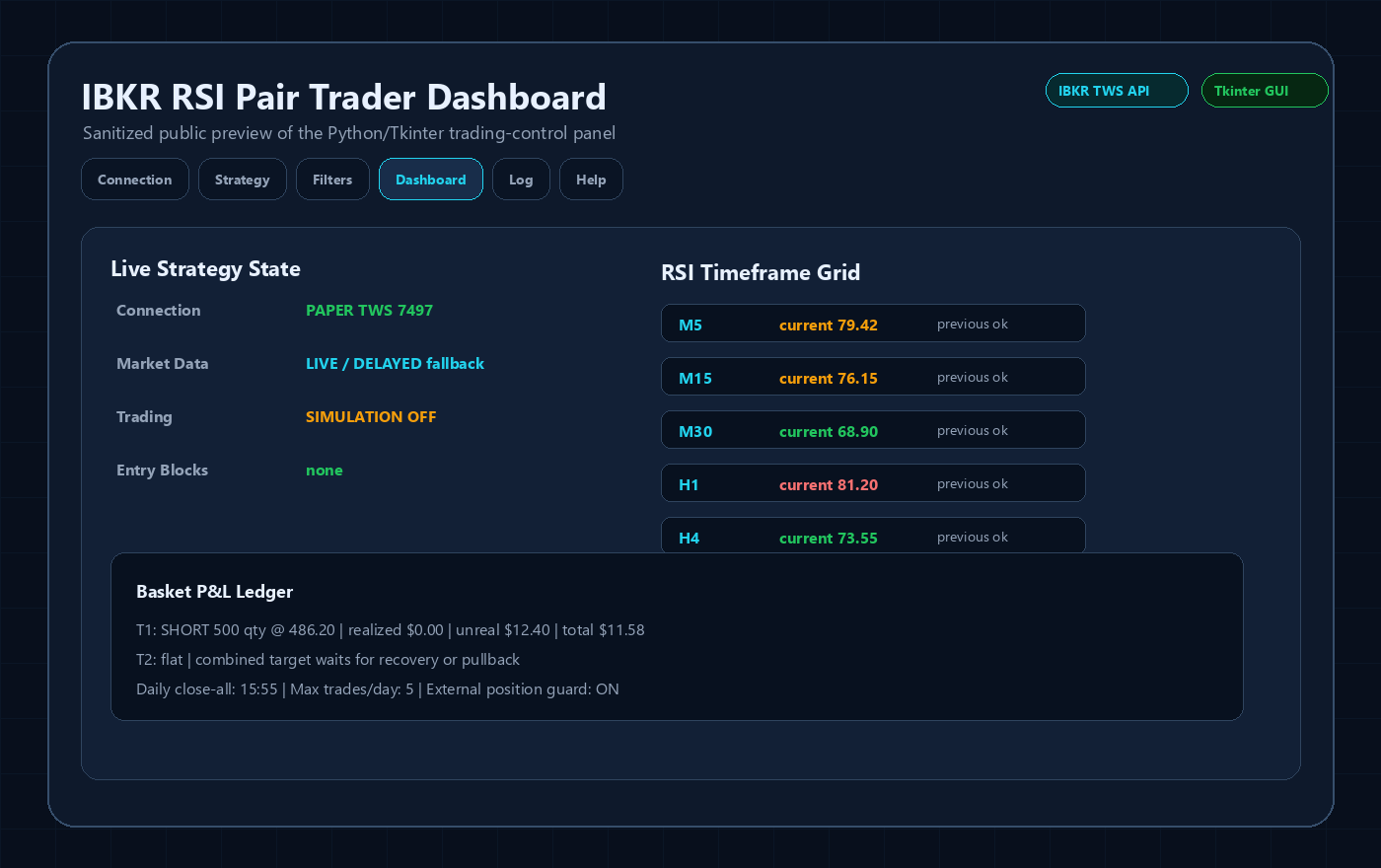
Interactive Brokers RSI Pair Trader
Tkinter desktop trading workflow, TWS API connection handling, RSI pair logic, risk controls and custom IBKR development positioning.
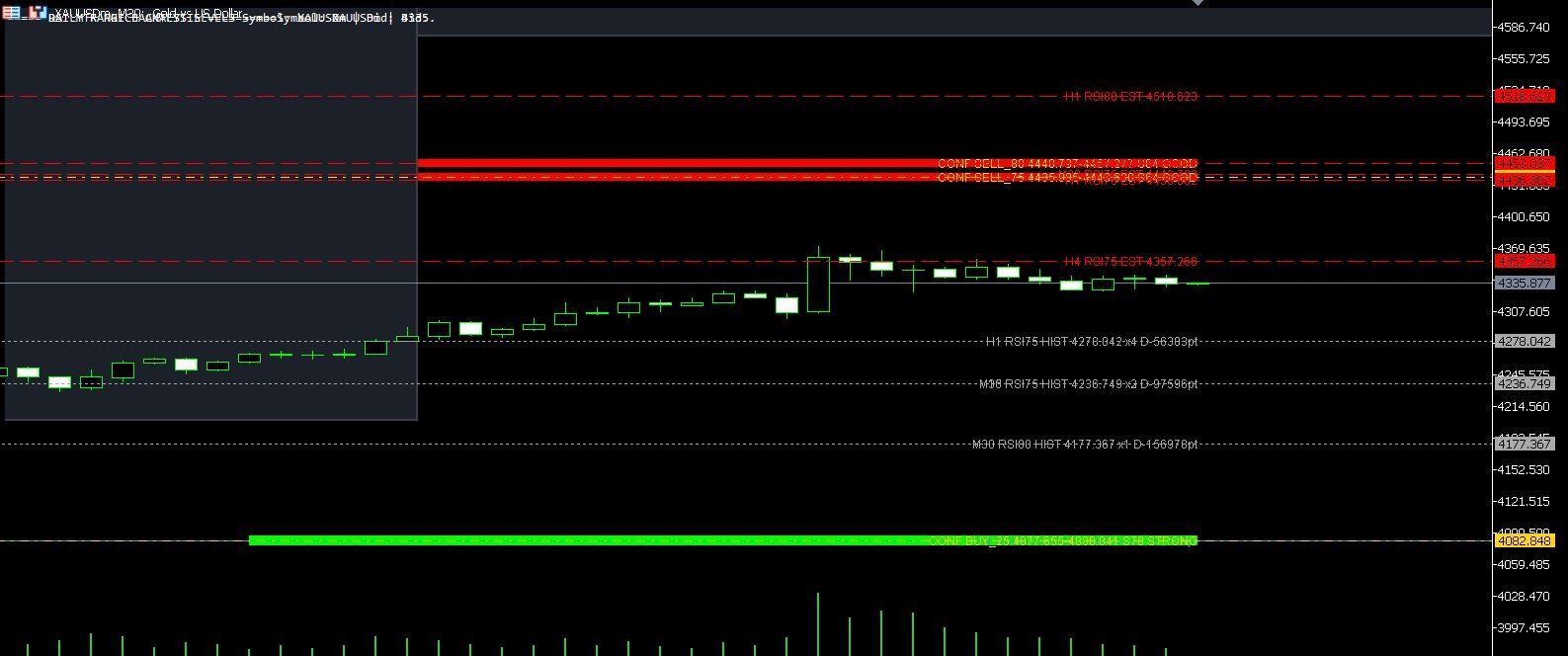
XAUUSD M30 CSV Data For Backtesting
Use clean MT5 historical data for Python backtests, strategy validation, spread checks and realistic gold EA research workflows.