How to Build an MT5 EA Without Coding
A practical workflow for turning a trading idea into a compilable MQL5 Expert Advisor using the AlgoSpecial builder.
Updated 2026-11-04 · Free builder guides · No signup required
The five-step workflow
- Open the MT5 builder. Use the free online MT5 EA Builder.
- Define the signal. Select indicators such as RSI, EMA, MACD, Bollinger Bands or ATR and combine conditions with AND/OR logic.
- Set the exit and risk. Choose fixed or ATR stop loss, fixed or risk-reward take profit, trailing, break-even and position sizing.
- Generate the source. Download the .mq5 file and inspect the code preview.
- Compile and test. Compile in MetaEditor, then run the Strategy Tester and forward test on demo.
Write rules the builder can express
A rule-based builder works best when the strategy can be written as explicit conditions:
- Entry: EMA fast crosses above EMA slow while RSI is above 50.
- Filter: spread below a limit and a new bar is present.
- Exit: 30-pip stop, 2R target, trail after 20 pips.
- Risk: 0.5% of equity per trade.
If the idea needs portfolio allocation, machine learning, custom external files or complex state, the builder may be the wrong tool. Use it for deterministic rule-based EAs and hire a developer for custom architecture.
Common mistakes
- Testing without realistic spread and commission.
- Optimising one short date range until the curve looks perfect.
- Using the same data for optimisation and validation.
- Ignoring prop-firm daily-loss and drawdown rules.
- Running a generated EA live before demo and forward testing.
Build MT5 EA FAQ
Can a beginner build an MT5 EA without coding?
Yes, if the strategy can be described as explicit indicator and price conditions. The builder writes the MQL5 source for those rules.
Do I need MetaEditor?
Yes, to compile the .mq5 file. MetaEditor ships with MetaTrader 5.
Can I change the generated code?
Yes. It is readable MQL5 source, so you or a developer can edit it.
What strategy should I build first?
Start with one simple rule and one exit model. Add filters only after the basic version is tested.
Choose the next useful step
Most visitors arrive with one question: build, test, price, or trust. These shortcuts keep the path practical.
Go deeper before you build, download or automate
Hand-picked engineering articles, indicator breakdowns and trading-system tools so visitors keep exploring instead of leaving after one page.
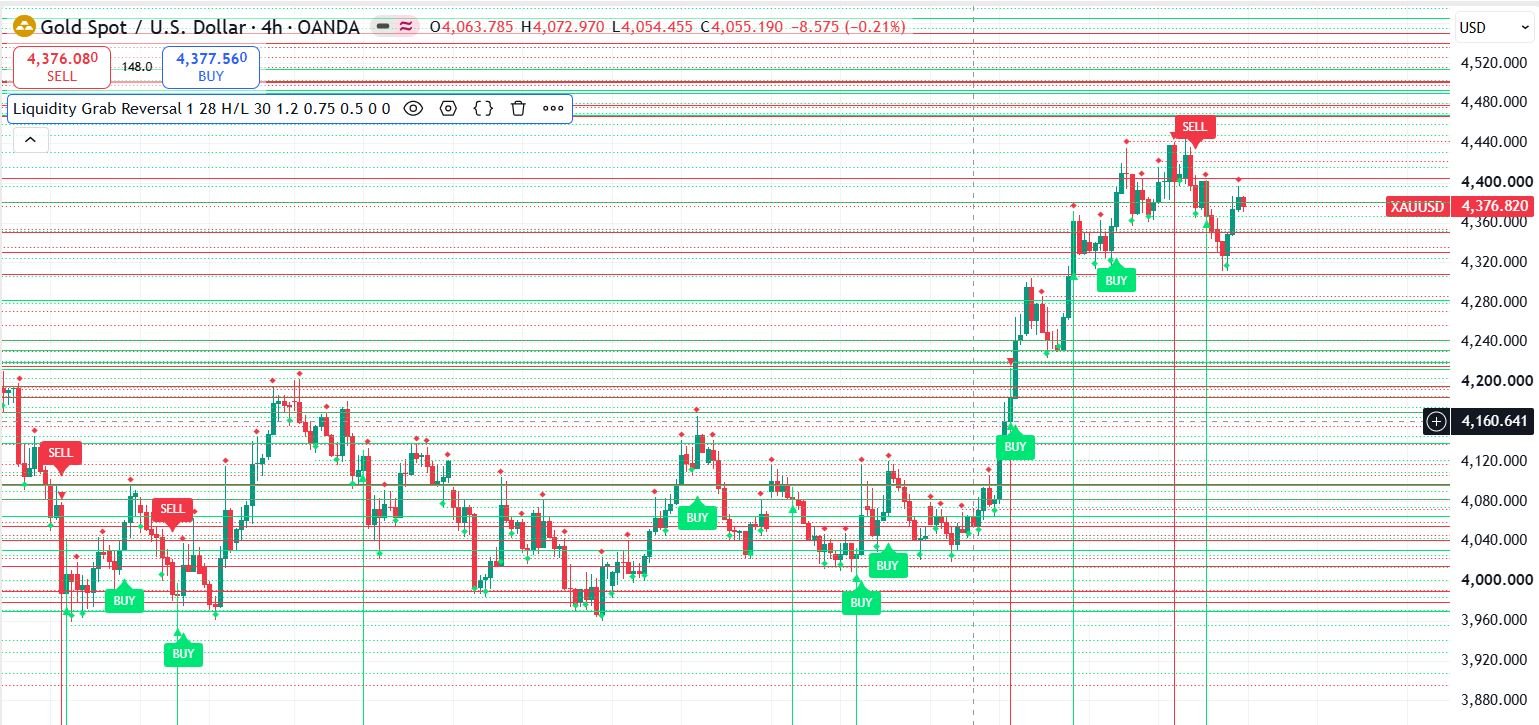
Pine Script to MT4/MT5 Conversion Planner
Analyze Pine strategies, repainting risk, TradingView alert bridges, MTF synchronization and the correct MQL4/MQL5 build path before paying for conversion.
Open planner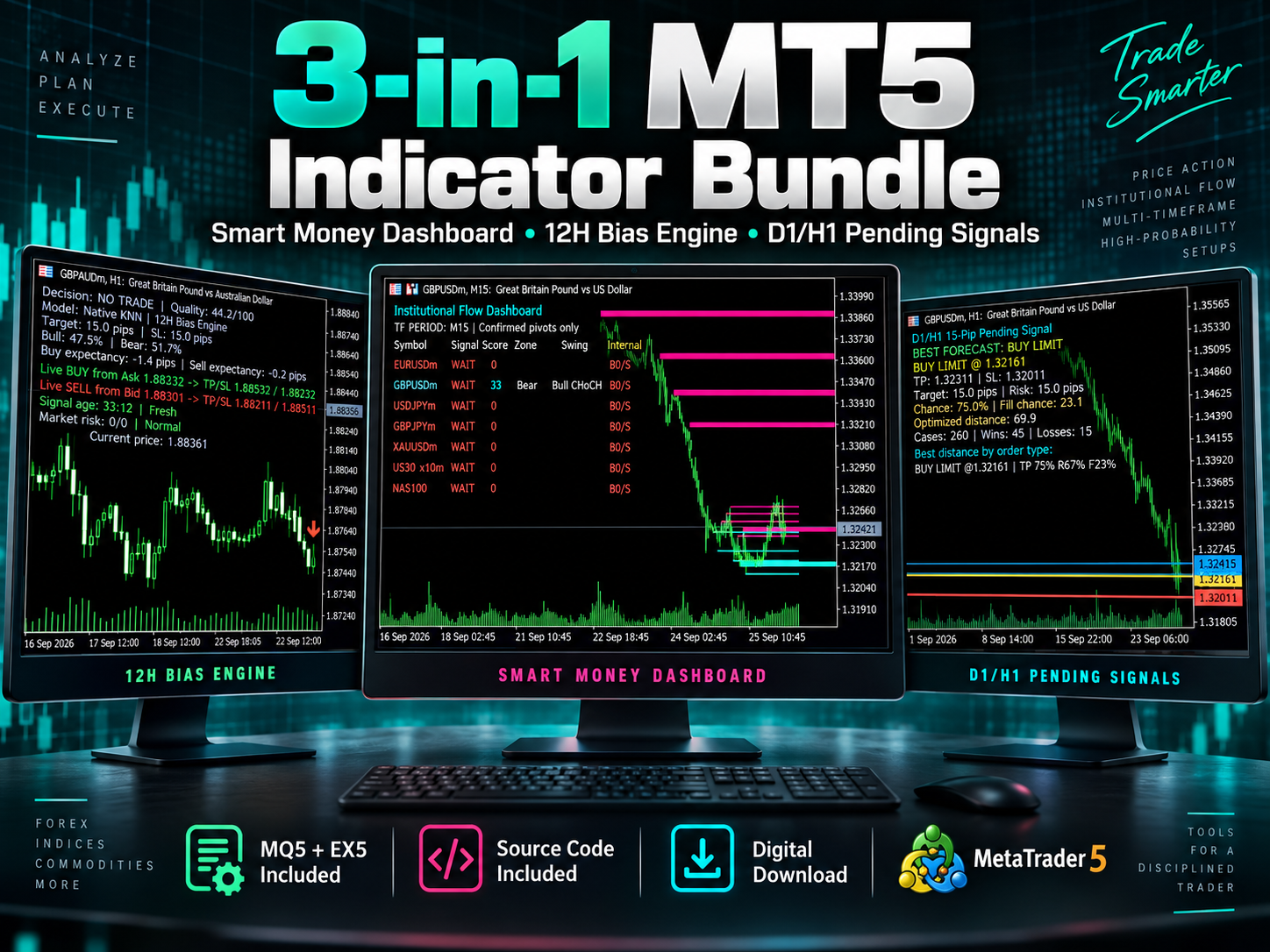
3-in-1 MT5 Indicator Bundle
12H Bias Engine, Smart Money Institutional Flow Dashboard and D1/H1 pending-signal logic with MQ5 + EX5 source included via Etsy.
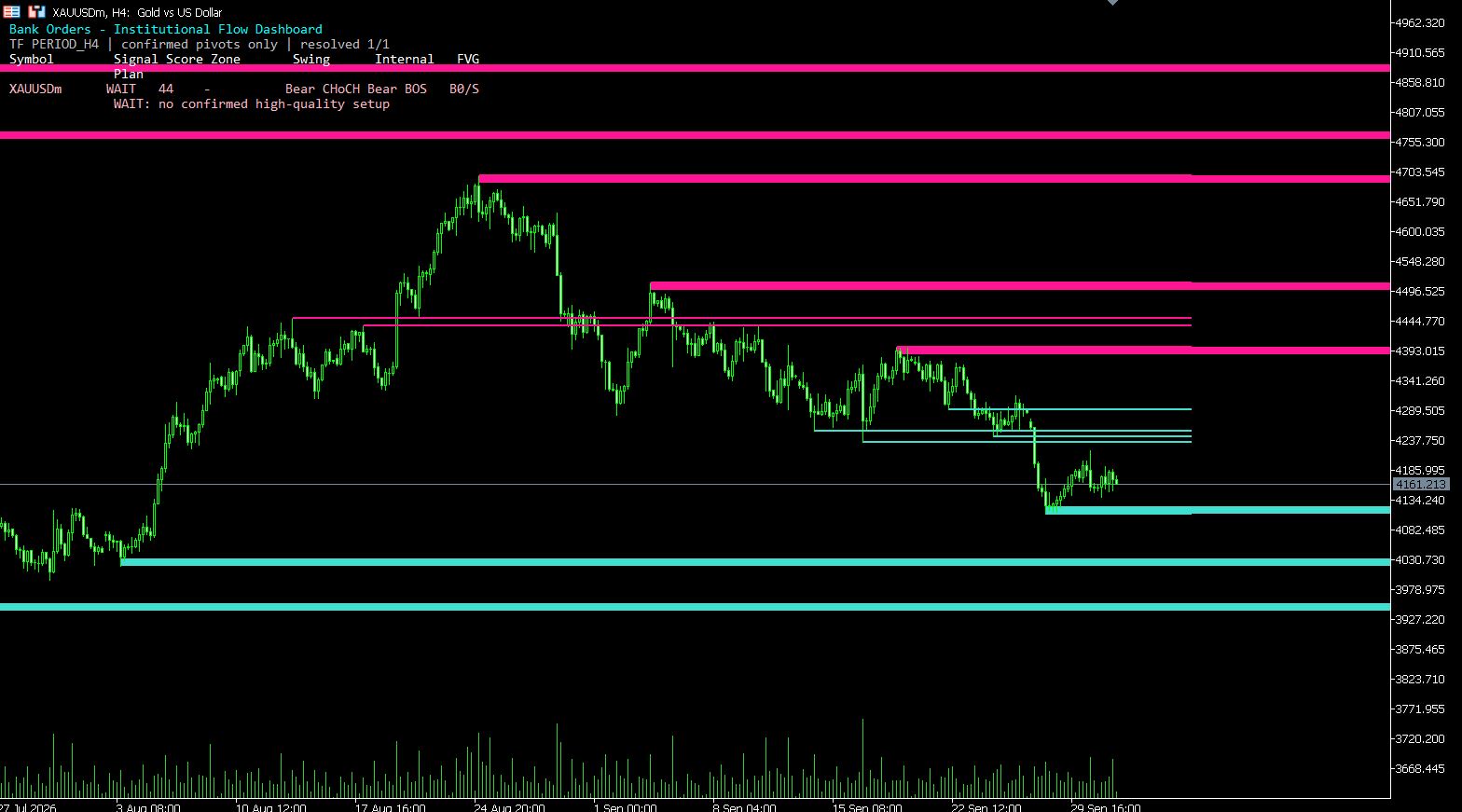
MT5 Bank Orders Institutional Flow Dashboard
Supply/demand zones, BOS/CHoCH, liquidity levels, FVG, equal highs/lows and confirmed trade-plan logic explained with EX5 download.
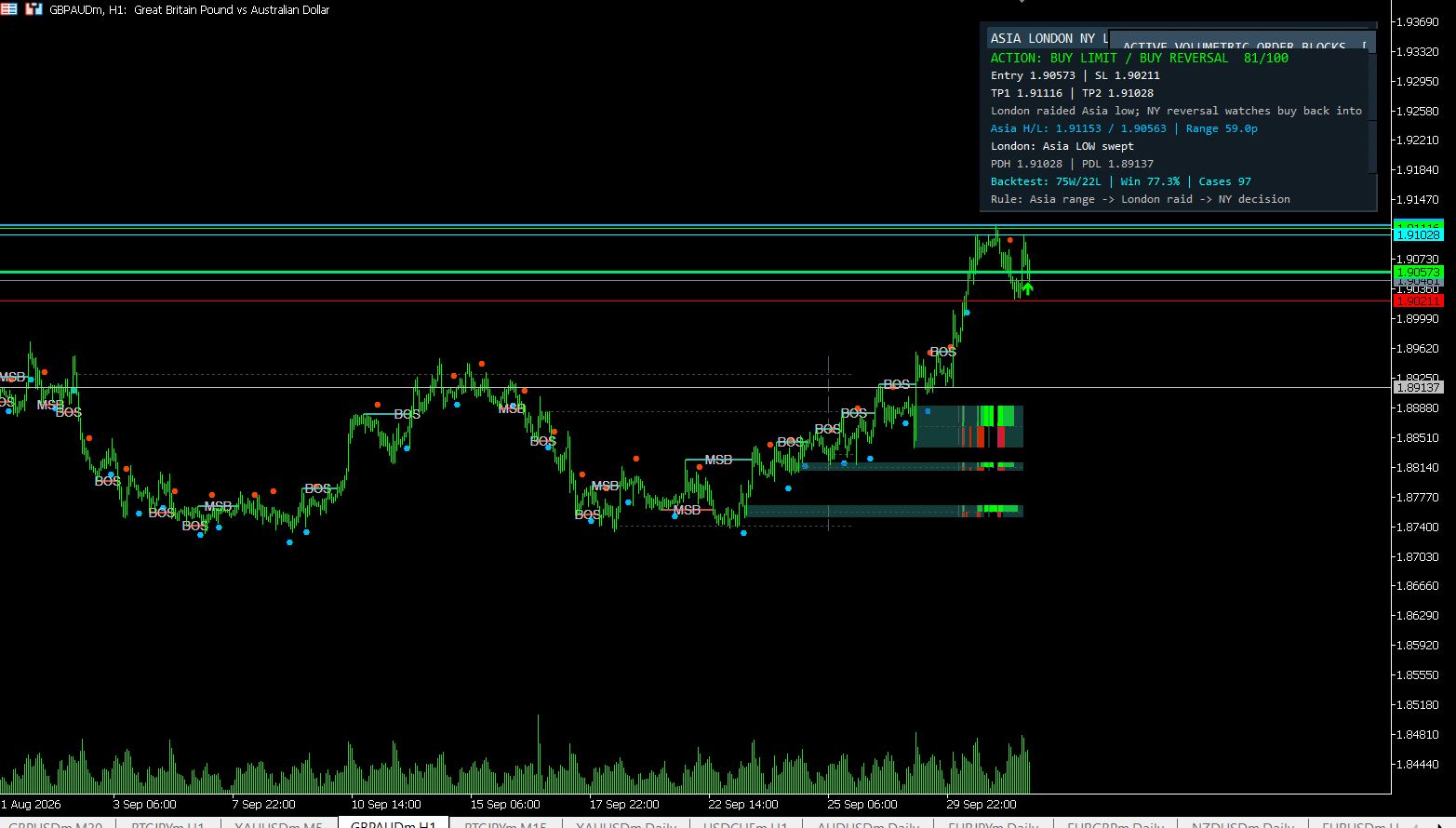
MT5 Asia London NY Liquidity Engine
Asia range, London raid and New York continuation/reversal planning with internal session backtest stats and entry/SL/TP dashboard.
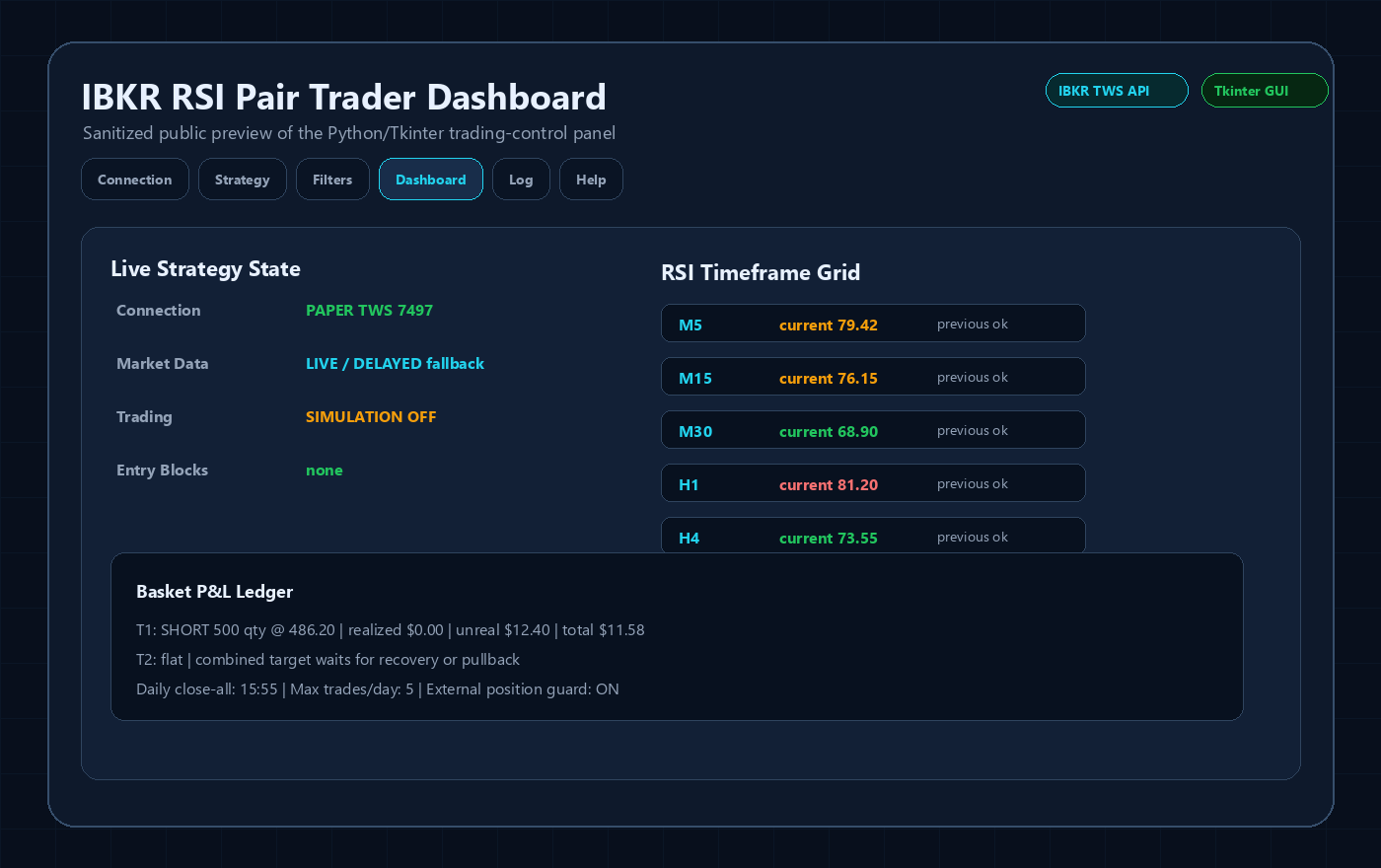
Interactive Brokers RSI Pair Trader
Tkinter desktop trading workflow, TWS API connection handling, RSI pair logic, risk controls and custom IBKR development positioning.
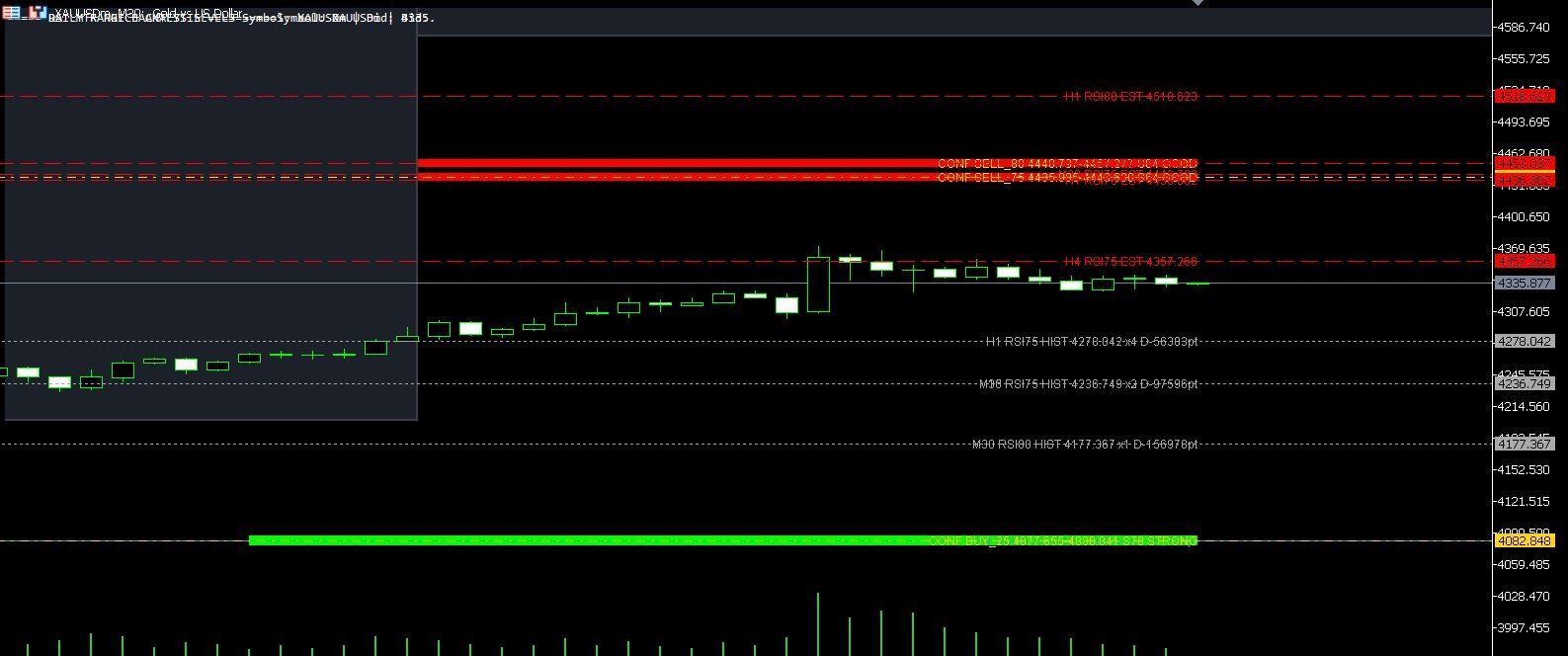
XAUUSD M30 CSV Data For Backtesting
Use clean MT5 historical data for Python backtests, strategy validation, spread checks and realistic gold EA research workflows.