Offline vs Online EA Builder
Online builders are convenient. Offline builders keep your strategy on your own Windows machine. Choose based on privacy, not hype.
Updated 2026-11-04 · Free builder guides · No signup required
The practical difference
| Factor | Online builder | Offline builder |
|---|---|---|
| Install | None | Windows app |
| Internet | Required | Not required |
| Strategy data | Sent to server during generation | Stays local |
| Updates | Instant | App update |
| Platforms | Separate MT4/MT5 pages | MT4 + MT5 in one app |
| Best for | Quick trials | Private/offline work |
Privacy and security
The offline app does not need an account, internet connection or telemetry. Your rules and generated code stay on your machine. That matters if you work with proprietary strategy logic or on a restricted network.
The online builders state that parameters are not stored or shared. For a quick public test, that is fine. For sensitive production rules, use the offline option or custom development with a written NDA.
Which should you use?
- Use the online MT5 builder for fast MT5 trials.
- Use the online MT4 builder for MT4.
- Use the offline Windows builder for private work or no internet.
Offline vs Online FAQ
Does the offline builder need an account?
No. It is a desktop app with no forced account or internet requirement.
Is the online builder less secure?
It sends strategy parameters for generation. The published policy says they are not stored, but offline is the stronger privacy choice.
Does the offline builder support both MT4 and MT5?
Yes. It generates .mq4 and .mq5 source.
Choose the next useful step
Most visitors arrive with one question: build, test, price, or trust. These shortcuts keep the path practical.
Go deeper before you build, download or automate
Hand-picked engineering articles, indicator breakdowns and trading-system tools so visitors keep exploring instead of leaving after one page.
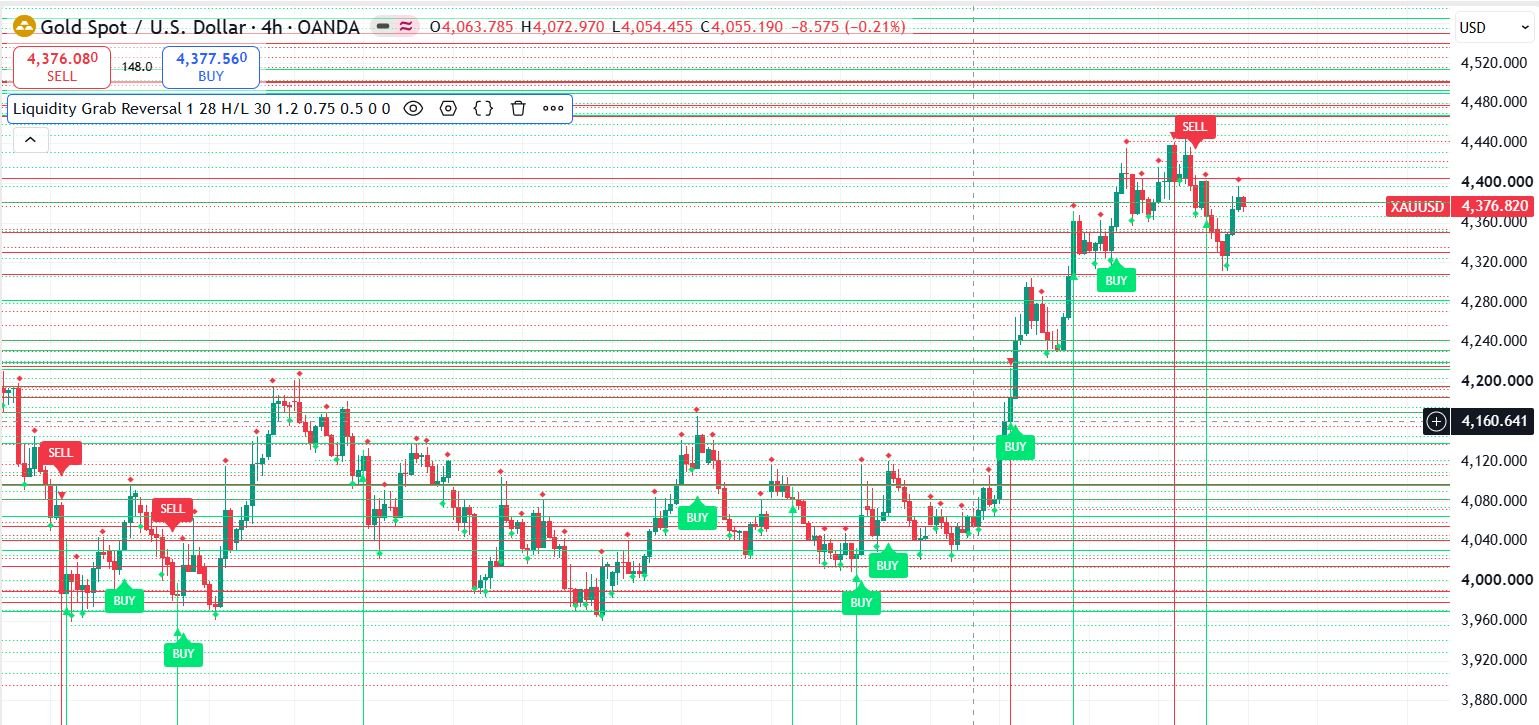
Pine Script to MT4/MT5 Conversion Planner
Analyze Pine strategies, repainting risk, TradingView alert bridges, MTF synchronization and the correct MQL4/MQL5 build path before paying for conversion.
Open planner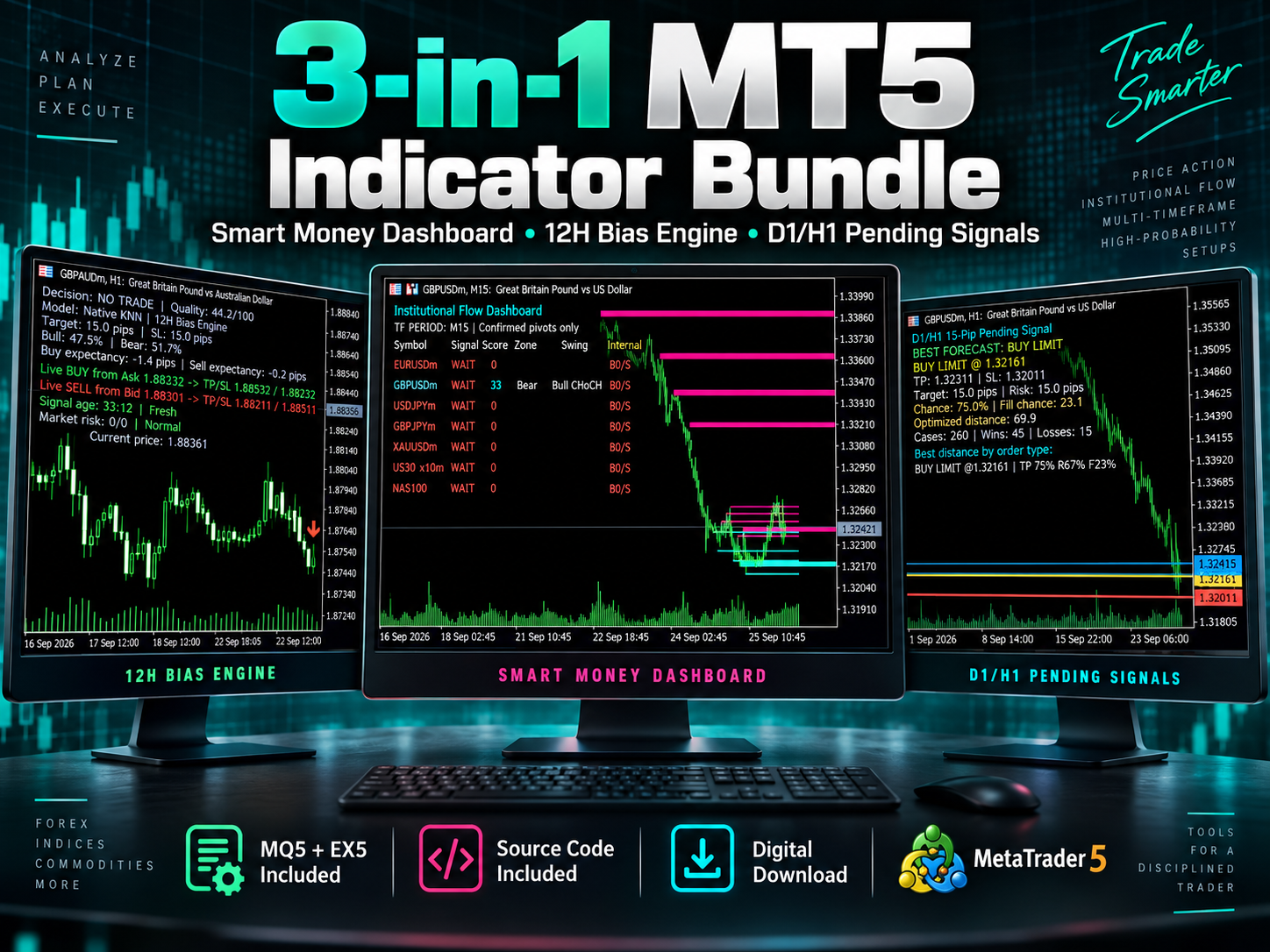
3-in-1 MT5 Indicator Bundle
12H Bias Engine, Smart Money Institutional Flow Dashboard and D1/H1 pending-signal logic with MQ5 + EX5 source included via Etsy.
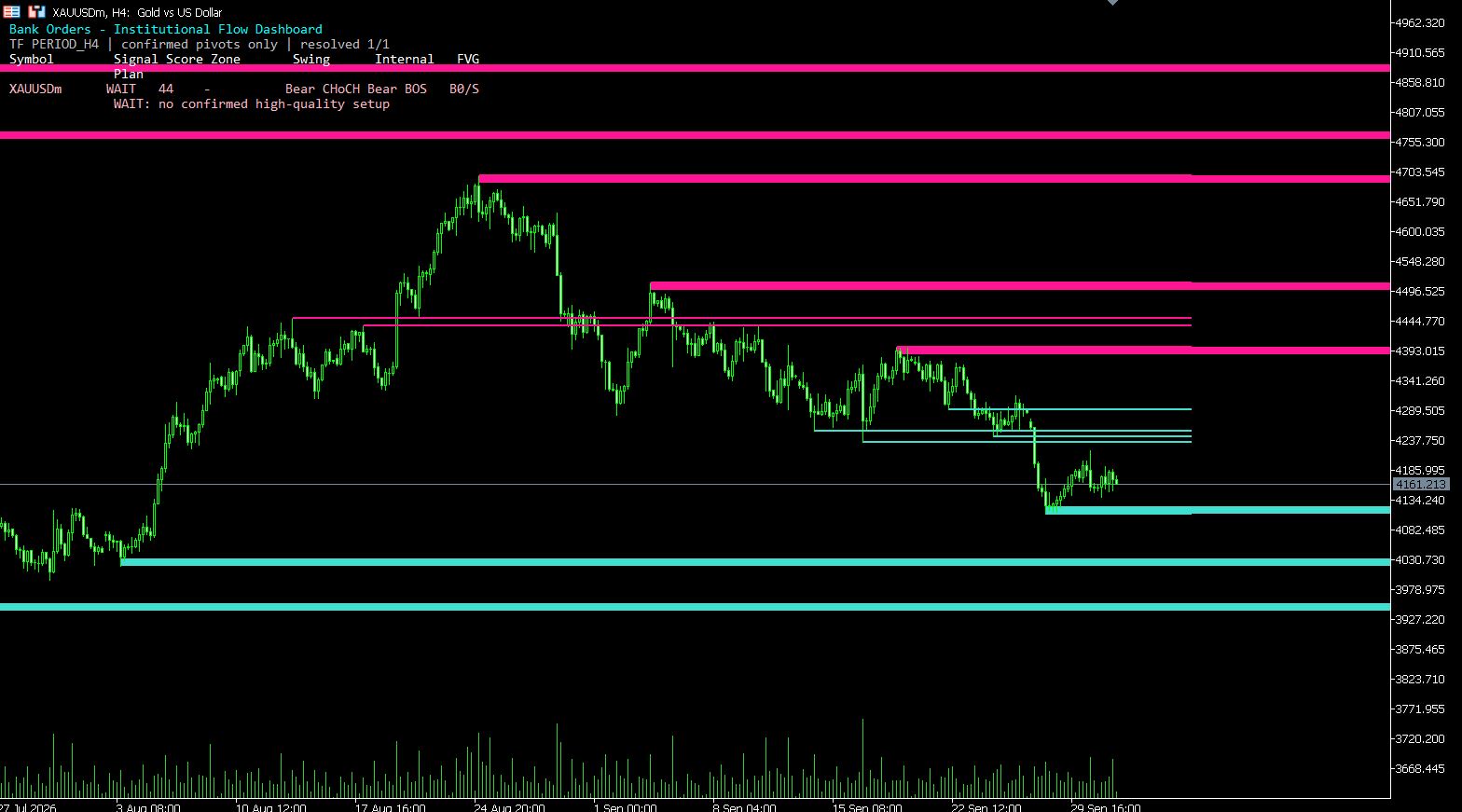
MT5 Bank Orders Institutional Flow Dashboard
Supply/demand zones, BOS/CHoCH, liquidity levels, FVG, equal highs/lows and confirmed trade-plan logic explained with EX5 download.
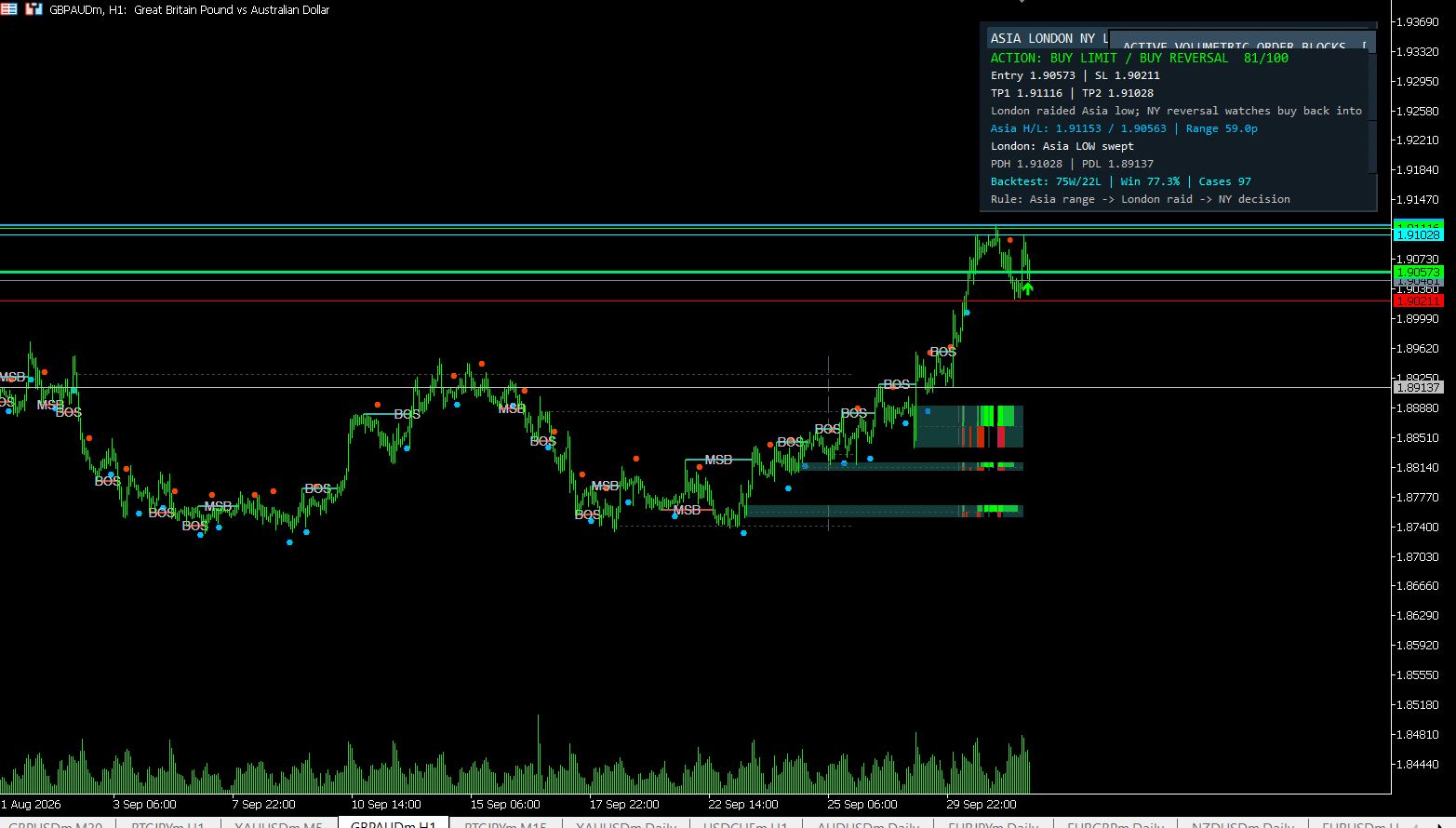
MT5 Asia London NY Liquidity Engine
Asia range, London raid and New York continuation/reversal planning with internal session backtest stats and entry/SL/TP dashboard.
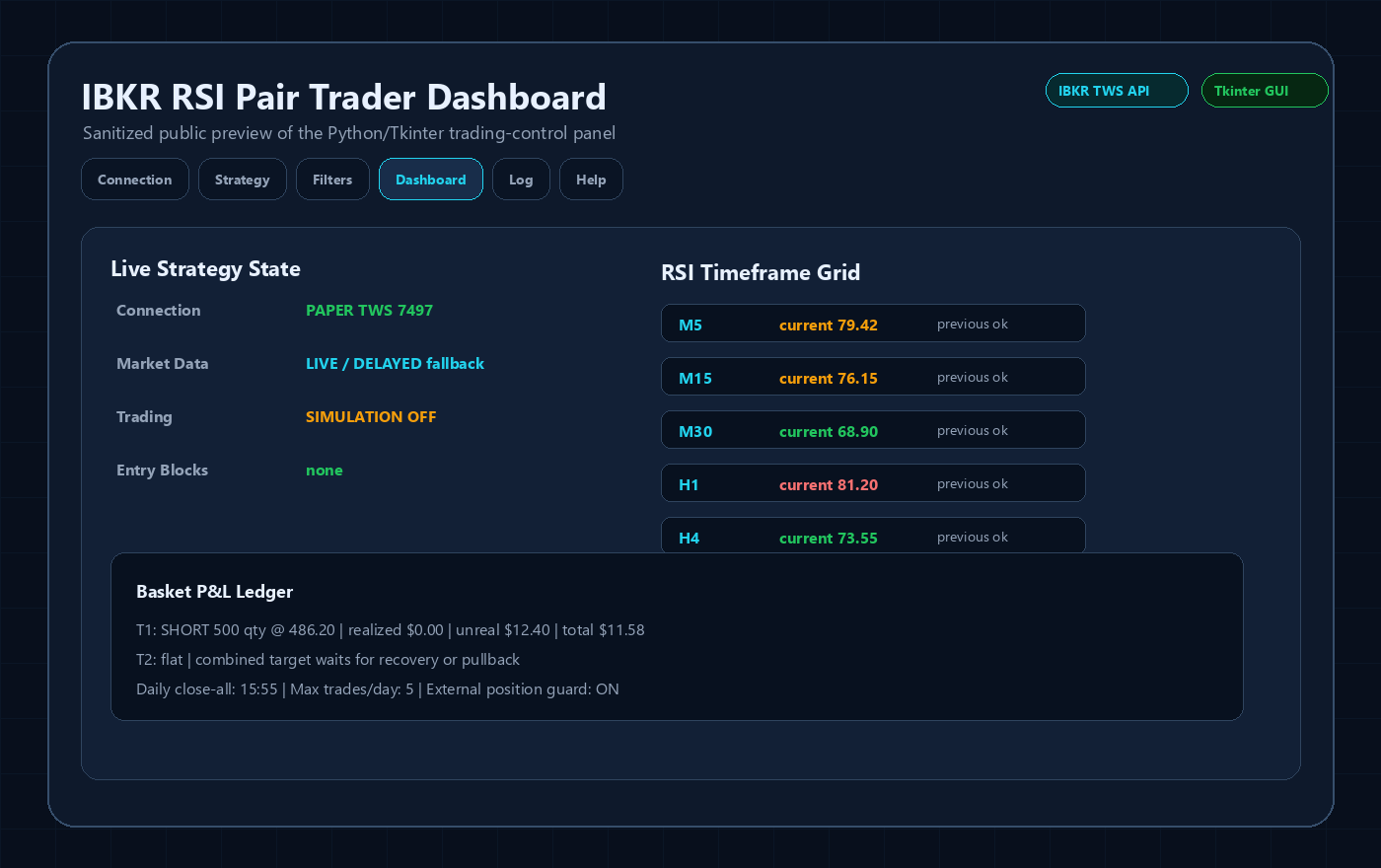
Interactive Brokers RSI Pair Trader
Tkinter desktop trading workflow, TWS API connection handling, RSI pair logic, risk controls and custom IBKR development positioning.
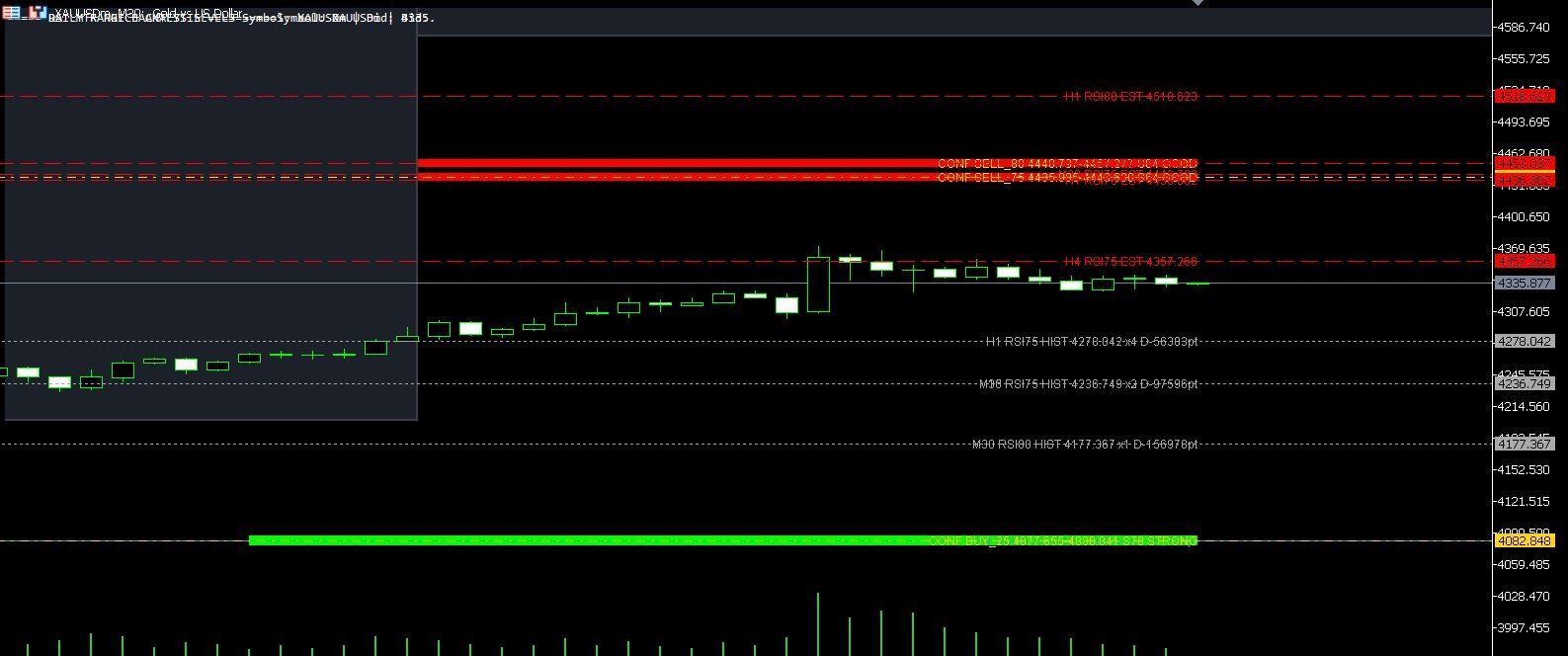
XAUUSD M30 CSV Data For Backtesting
Use clean MT5 historical data for Python backtests, strategy validation, spread checks and realistic gold EA research workflows.